AMD GAIA 0.25 folds its local AI agents into one
AMD's open-source local agent app now runs one agent, shrinks its Windows Python setup from 0.9GB to 0.1GB and stops crashing on 16GB laptops.
3 min read
By the numbers
- Windows Python setup, down from about 0.9GB
- 0.1GB
- to the first reply on Qwen3.6, down from about 43s
- 21s
- default limit before a stalled turn stops
- 75 min
AMD released GAIA 0.25 on October 18, 2026, an update to its open-source app for running AI agents on your own PC. The release folds the app's several agents into one and cuts its Windows install size sharply. It also fixes crashes on 16GB laptops, which had made the app hard to try on ordinary machines.
What GAIA is
GAIA is AMD's free app for building and running AI agents locally, without sending data to a cloud service. An agent is an AI model that can take actions, such as reading files or running commands, not just chat. The project began as "Generative AI Is Awesome" and now calls itself "AMD's open-source agent factory," Phoronix reports.
The app is aimed at AMD's Ryzen AI hardware. Version 0.25 ships installers for Windows, Linux and Apple Silicon Macs, plus a Python package, according to the GitHub release page.
One agent instead of many
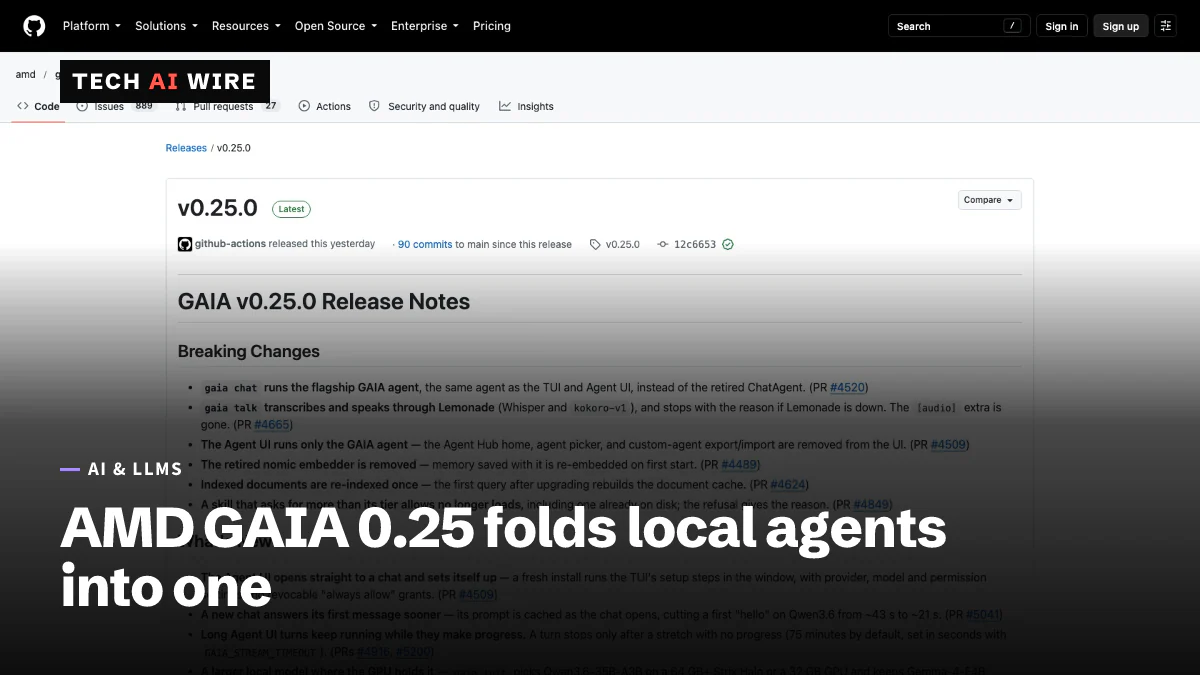
The biggest change breaks old habits. The gaia chat command now runs the main GAIA agent, and the older ChatAgent is retired. The desktop app also runs only that one agent.
Several features went with the change. The release notes say the Agent Hub home page, the agent picker and custom-agent import and export are gone. Skills that ask for more permissions than their tier allows no longer load.
Speech moved too. The gaia talk command now uses Lemonade, AMD's local AI server, for both directions. Whisper turns speech into text, and kokoro-v1 reads answers aloud. The separate audio add-on package is removed.
Smaller, faster, fewer crashes
AMD removed PyTorch, Transformers and Accelerate, three large AI libraries the app no longer needed. That shrinks the Python environment on the Windows desktop app from about 0.9GB to about 0.1GB.
The fix for small machines matters most for new users. On 16GB PCs, the app used to run out of memory on first launch. Phoronix says Linux laptops with 16GB were crashing as the kernel killed the process. GAIA now checks free memory before loading a model and shrinks the model's context window, its working memory, to fit.
| Change in 0.25 | Before | After |
|---|---|---|
| Windows Python environment | About 0.9GB | About 0.1GB |
| First reply on Qwen3.6 | About 43 seconds | About 21 seconds |
| Agents in the desktop app | Several, with a picker | One GAIA agent |
Speech in gaia talk | Separate audio add-on | Lemonade server |
| Stalled-turn limit | Not stated | 75 minutes, adjustable |
Model choices and other fixes
The setup command, gaia init, now picks a model to match your hardware. It chooses Qwen3.6-35B-A3B on AMD's Strix Halo machines with 64GB or more, or on a 32GB graphics card. Everything else gets the smaller Gemma-4-E4B. Qwen3.8 Flash Next is optional on 128GB Strix Halo systems.
For cloud use, the default model on AMD's LLM Gateway and on Fireworks is DeepSeek V4.1 Flash. Document and memory indexing now runs on the graphics chip, which frees about 11 CPU cores on Strix Halo.
Other fixes target daily use:
- One Windows installer now covers both the desktop app and the terminal.
- Setup trusts the operating system's certificate store, so it works behind company proxies that inspect encrypted traffic.
- If you decline an action, the agent no longer tries it again through a different tool.
- The terminal interface adds permission modes, switched with Shift+Tab.
- Documents are re-indexed once after the upgrade, because the Nomic embedding model was removed.
What this means for developers
GAIA 0.25 trades flexibility for a simpler app that works on more machines. That makes it a better test bed for local agents, but a worse home for custom ones.
- Update scripts that call ChatAgent. It is retired. Anything built on custom-agent export or import needs a new plan before you upgrade.
- Try it on a 16GB machine. Running out of memory was the main barrier on mid-range laptops. Expect a smaller context window there, so long documents may not fit.
- Expect a one-time re-index. The first question after upgrading triggers it. Large document sets will take a while.
- Set the timeout for long jobs. Turns stop after 75 minutes without progress. Change it in seconds with the
GAIA_STREAM_TIMEOUTsetting. - Check what runs where. Local runs use Qwen3.6 or Gemma, while the cloud default is DeepSeek V4.1 Flash. Confirm which one handles your data.
Sources
Related articles
Strands Decider 2B makes agent choices in 115 ms
AWS's Strands Decider 2B is an open-source model that picks from a list instead of writing text. It answers in 115 ms on an RTX 3090 and scores 72.3% on JevBench.

Microsoft-Decision-1 model scores choices, not text
Microsoft-Decision-1 returns a probability for each fixed option instead of writing text. It costs $0.042 per million input tokens in Microsoft Foundry.
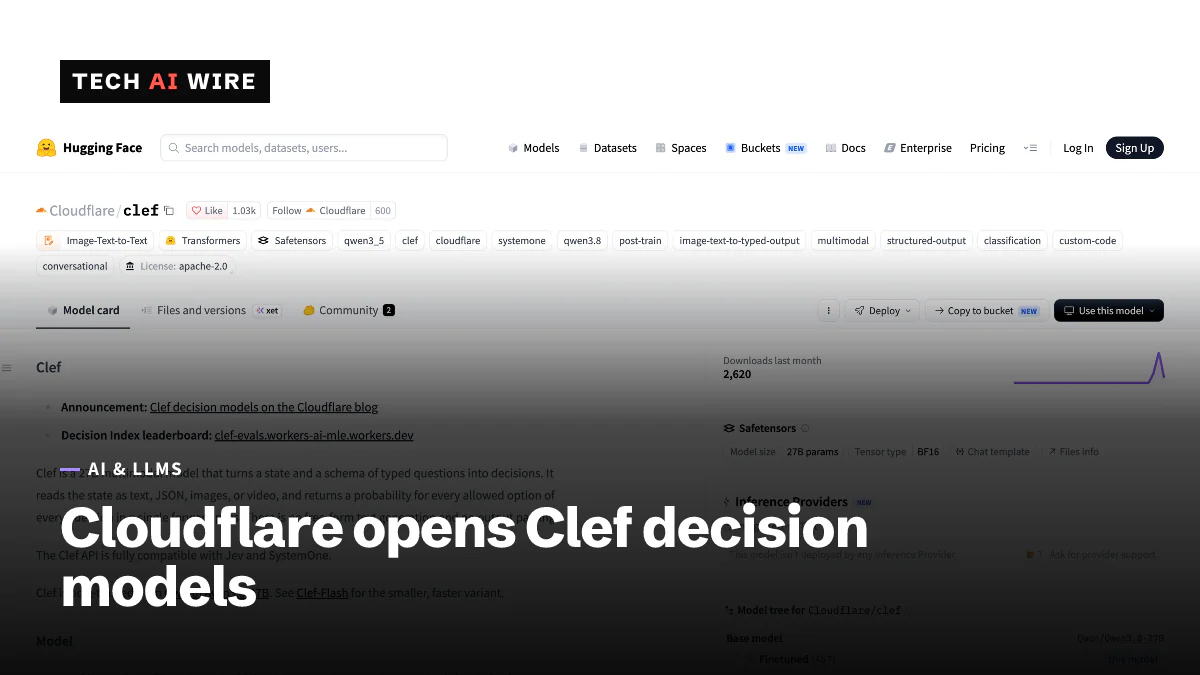
Cloudflare Clef: open-weight models that return decisions
Cloudflare's Clef (27B) and Clef-flash (9B) answer typed questions instead of writing text, at 209 ms and 39 ms median latency, under Apache 2.0.
The weekly digest
One email every Friday with the week's top stories from all six desks: AI, dev tools, coding, the tech industry, startups and what's next. Free, no spam.