VS Code 1.141 sandboxes AI agents on Windows, macOS, Linux
VS Code 1.141 sandboxes AI agents on Windows, macOS and Linux, shows agent sessions in a grid and picks up Codex and Copilot chats started in other apps.
4 min read
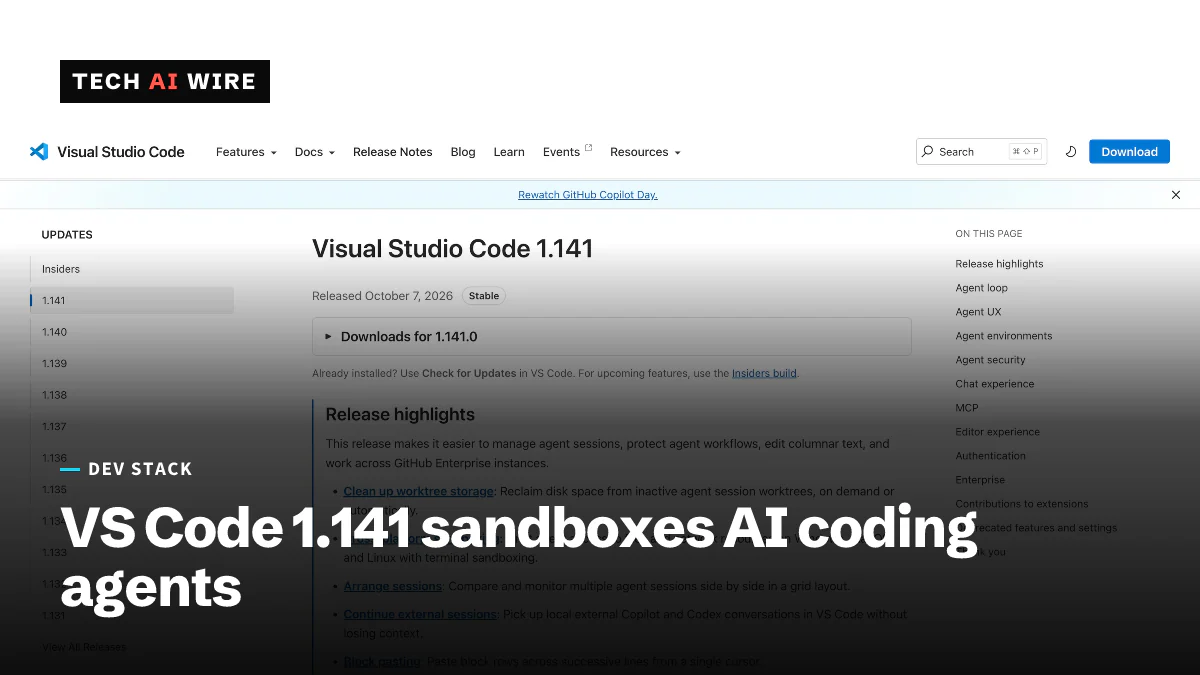
Microsoft released Visual Studio Code 1.141 on October 7, 2026, and its biggest change limits what AI coding agents can do on your machine. Agent sandboxing now works on Windows, macOS and Linux, restricting the files and network access an agent can reach, according to the release notes. The update also lays agent sessions out in a grid and lets chats move between VS Code, the Copilot app and the Codex CLI. For teams letting agents run commands unattended, the sandbox is the change to test first.
Sandboxing for AI agents
An AI agent in VS Code can edit files and run terminal commands for you. A sandbox puts walls around that work. In 1.141, sandboxing limits file and network access for agent operations on all three desktop systems.
Microsoft is careful about what it promises. "Sandboxing adds a layer of protection, but does not replace endpoint security or provide a standalone security boundary," the release notes say. Endpoint security means the antivirus and monitoring tools a company already runs on its laptops.
The two sources describe its status differently. Warp2Search calls cross-platform sandboxing "generally available." The release notes do not label it as preview or stable.
Several related controls arrived too:
- Sandboxing for terminal, a toggle in the Permissions menu, covers commands agents run in the terminal.
- Managed sandbox (Preview) lets companies set
sandbox.enabledto true andsandbox.allowBypassto false through unified managed settings, so users cannot switch it off. - The
ChatAgentSandboxEnableddevice policy now sets a default that users can override, rather than a hard requirement.
Agent sessions in a grid and across apps
The Agents window now has a two-dimensional grid. You can drag the splits and resize panes to watch several agent sessions at once.
Sessions also travel between apps. Conversations from the Copilot CLI and the GitHub Copilot app continue inside VS Code as external sessions. Codex chats started in the ChatGPT app or the Codex CLI on the same machine can be picked up too. A banner saying "This chat is open in another app" warns you when that happens.
Under the hood, the Copilot harness now runs on the Copilot SDK in a separate agent host process. Several VS Code windows can connect to the same session. A new send_message tool offers four ways to talk to a running agent: steer, queue, replace and cancel.
These changes build on recent releases. VS Code 1.136 added Agent Merge in September to help agents finish pull requests.
Cleaning up worktrees
Agents often work in Git worktrees, extra copies of a repository that let several tasks run side by side. They take disk space. The new Chat: Open Worktree Cleanup command reclaims it, and VS Code can also clean up automatically or suggest what to remove. Sessions that are active, running, waiting for input or pinned are protected.
Enterprise settings
Administrators get three changes, according to the release notes:
| Setting | What changed |
|---|---|
github-enterprise.uris | New list setting that accepts several GitHub Enterprise instances |
github-enterprise.uri | Deprecated; still read when the new setting is missing, and the new one wins if both are set |
telemetry.capture.identity | Off by default; when on, it adds the OS username, hostname and GitHub username to telemetry |
Setting github-enterprise.uris to an empty list, [], turns off GitHub Enterprise sign-in. A value set by company policy overrides a user's own telemetry preference.
The release also adds experimental Dev Container samples for Go, .NET, Node.js, PHP, Python and Rust. Version 0.168.0 of the GitHub Pull Requests extension adds stacked pull requests behind the githubPullRequests.experimental.stacks setting, a day after GitHub made stacked pull requests generally available.
What this means for developers
- Turn the sandbox on before you trust agents unattended. It limits damage if an agent runs a bad command. Treat it as one layer, as Microsoft says, not as your only protection.
- Test your toolchain inside it. Builds that download packages or write outside the project may fail once file and network access are limited. Find those failures now, not mid-task.
- Admins: lock it with managed settings. Set
sandbox.enabledto true andsandbox.allowBypassto false if your policy requires agents to stay contained. - Move to
github-enterprise.uris. The old single-value setting still works for now, but it is deprecated. Switch while both are read. - Check telemetry before you enable identity capture. Turning on
telemetry.capture.identitysends usernames and hostnames. Confirm that fits your privacy rules first. - Clear old worktrees. If you run many agent tasks, run the cleanup command to get disk space back.
Update to 1.141, then run one routine agent task with the sandbox on to see what it blocks.
Sources
- Visual Studio Code 1.141 release notes - Visual Studio Code
- Visual Studio Code 1.141 Adds Cross-Platform Sandboxing for AI Agents - Warp2Search
Related articles
VS Code 1.136 adds Agent Merge to finish pull requests
VS Code 1.136 ships Agent Merge in preview. An agent answers review comments, fixes failing checks and resolves conflicts until a pull request is ready.

Microsoft Titan flaw exposed 17.3 trillion rows to a teen
Titan accepted unsigned login tokens, so a 16-year-old could query 17 databases holding 17.3 trillion rows. Microsoft fixed it and paid him $5,000.
Atlassian puts OpenAI models inside Rovo and Jira
Atlassian and OpenAI expanded their partnership: OpenAI models now power Rovo, and ChatGPT and Codex reach Jira through an MCP server that takes 15M calls a day.
The weekly digest
One email every Friday with the week's top stories from all six desks: AI, dev tools, coding, the tech industry, startups and what's next. Free, no spam.