COSMIC Epoch 1.11 adds xdg-dialog-v1, hybrid GPU fixes
COSMIC Epoch 1.11 keeps modal dialogs on top with Wayland's xdg-dialog-v1 and sends games to the right GPU on hybrid laptops, 12 days after 1.10.
3 min read
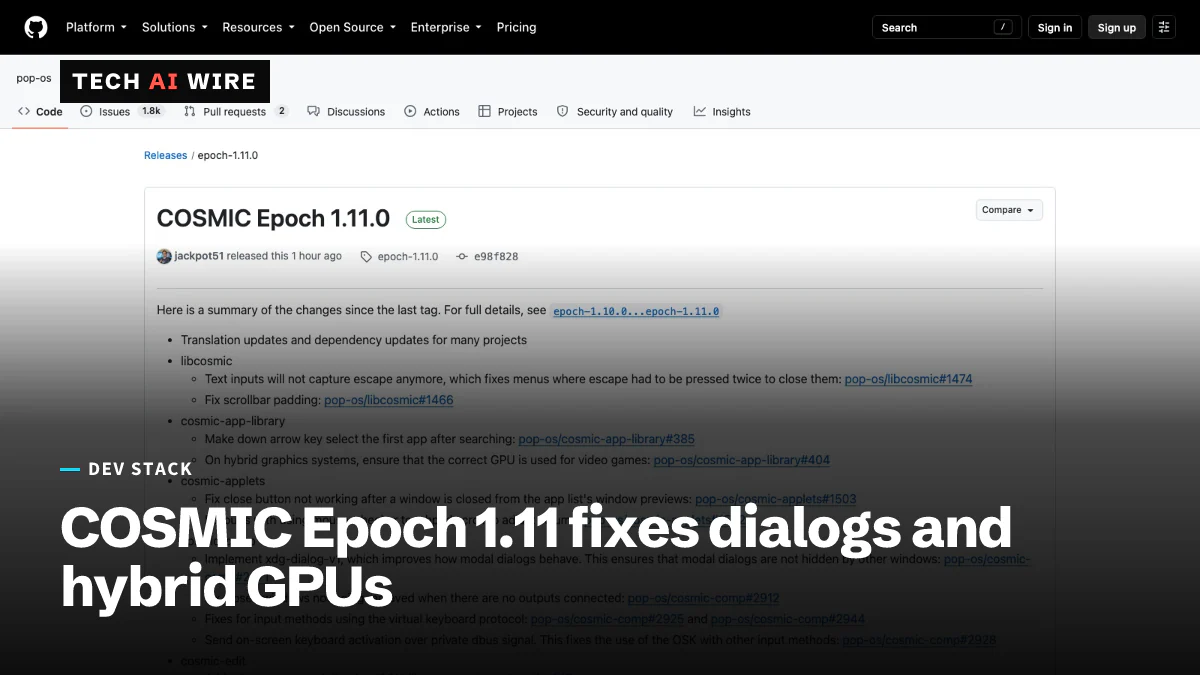
System76 released COSMIC Epoch 1.11 on October 20, 2026, a point update to the desktop it writes in Rust for its Pop!_OS Linux system. It stops pop-up dialogs from hiding behind other windows and makes games launch on the right graphics chip on laptops that have two. Both were everyday annoyances for people running COSMIC as their main desktop.
What COSMIC Epoch 1.11 is
COSMIC is a desktop environment: the panel, app launcher, window manager and settings app that sit on top of Linux. System76, a US maker of Linux computers, builds it in the Rust programming language for Pop!_OS. "Epoch 1" is its first stable generation, and each 1.x release adds features and fixes.
This release came 12 days after Epoch 1.10, which shipped on October 8, according to the project's GitHub release list. The cadence has been steady since the summer:
| Release | Date |
|---|---|
| Epoch 1.8.0 | September 10 |
| Epoch 1.9.0 | September 23 |
| Epoch 1.10.0 | October 8 |
| Epoch 1.11.0 | October 20 |
Epoch 1.9 added an image viewer and an on-screen keyboard in September. Version 1.11 is smaller, made up of fixes across a dozen COSMIC components.
Dialogs that stay on top
The headline change is support for xdg-dialog-v1 in cosmic-comp, COSMIC's compositor. Wayland is the modern Linux display system, and the compositor is the part that draws and stacks every window. The new piece, xdg-dialog-v1, is a Wayland protocol. That is a shared rule set, and this one lets an app mark a window as a modal dialog.
A modal dialog is a window that blocks its parent until you answer it, such as a "Save changes?" prompt. The release notes say the new support "ensures that modal dialogs are not hidden by other windows." Before, such a prompt could slip behind another window and leave its app looking frozen.
The right GPU for games
Many laptops pair a low-power graphics chip built into the processor with a faster, separate GPU. These are called hybrid graphics systems. Launching a game on the weak chip wastes the fast one.
Phoronix reports that the COSMIC app library will now "ensure the correct GPU is used for video games." The pop-launcher search tool gets the same fix for hybrid systems, according to the release notes.
Other fixes in Epoch 1.11
The GitHub release notes list these changes by component:
| Component | Change |
|---|---|
| libcosmic (the shared toolkit) | Text fields no longer swallow Escape, so menus close on the first press; scrollbar padding fixed |
| cosmic-app-library | Down arrow selects the first result after a search |
| cosmic-applets | Close button works after closing a window from previews; volume scrolling bugs fixed |
| cosmic-comp | Closed windows removed when no screen is connected; fixes for input methods using the virtual keyboard protocol |
| cosmic-osk (on-screen keyboard) | Activation now arrives over a private D-Bus signal, so it works alongside other input methods |
| cosmic-edit | JSON files open in the text editor by default |
| cosmic-settings | New touchpad options for tap-and-drag and drag lock; broken startup app links replaced |
| cosmic-randr | Display settings open again on screens whose serial numbers broke the output |
| pop-launcher | Searches are case-insensitive and handle words in parentheses better |
D-Bus is the message system Linux desktop programs use to talk to each other. The release also carries translation and dependency updates for many projects.
What this means for developers
Most of 1.11 is polish, but three changes touch people who build software for the Linux desktop.
- Retest dialogs on Wayland. If your app's confirmation or file dialogs vanished behind other windows on COSMIC, check again on 1.11 before filing a bug. Modal stacking is now the compositor's job.
- Check GPU choice on hybrid laptops. If you ship a game or a GPU-heavy tool, launch it from the COSMIC app library and from pop-launcher on a two-GPU laptop. Confirm it lands on the fast chip.
- Input method authors, look at the D-Bus change. The on-screen keyboard now activates over a private signal. Several virtual keyboard protocol fixes landed too, so retest any input method that drives COSMIC.
- Expect a release every two weeks or so. If you package or support COSMIC for a team, budget for frequent small updates rather than a few large ones.
Sources
Related articles
YSERVER 1.7 adds Vulkan 1.2 and cuts 4K VRAM use
YSERVER 1.7 cuts 4K VRAM use from 2-4GB to about 1.2GB, near X.Org's 0.9GB, and adds Vulkan 1.2 support for older Intel graphics.
Mold 3.0 ships its Rust rewrite as a drop-in linker
Mold 3.0 is the first release written in Rust. It needs Rust 1.95, drops Intel's oneTBB and links as fast as 2.42.1, the last C++ version.
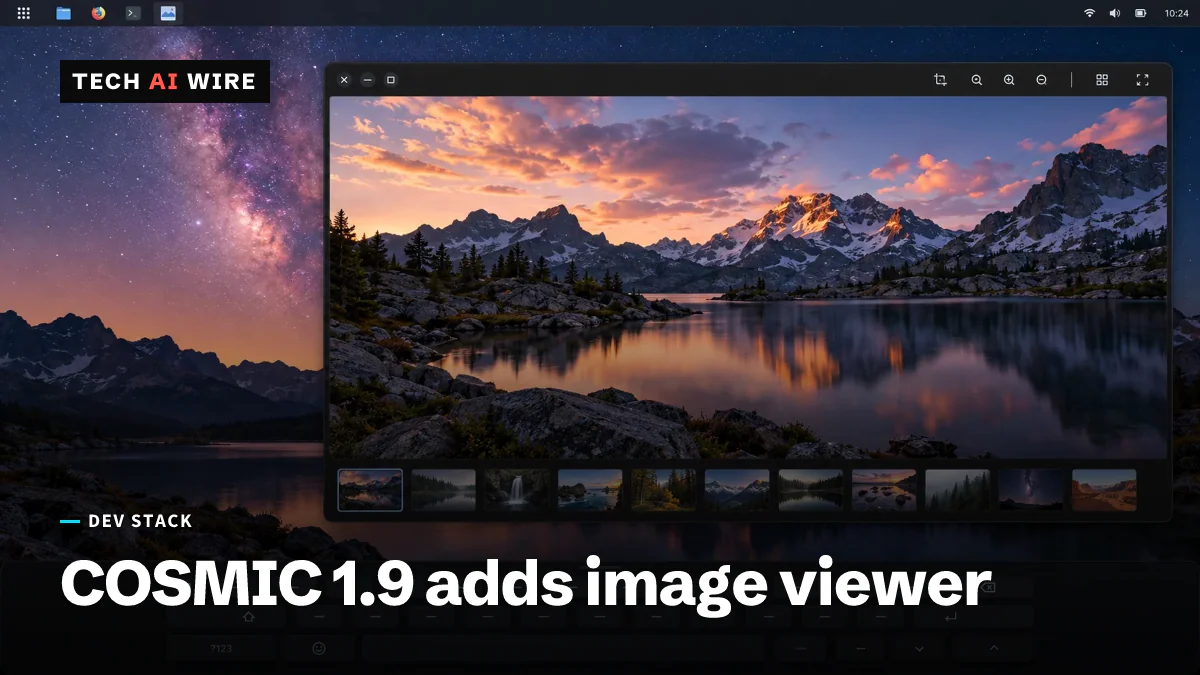
COSMIC Epoch 1.9 adds image viewer, on-screen keyboard
COSMIC Epoch 1.9 shipped September 23, 2026, 13 days after 1.8, with a Rust image viewer, an on-screen keyboard and a redesigned app store.
The weekly digest
One email every Friday with the week's top stories from all six desks: AI, dev tools, coding, the tech industry, startups and what's next. Free, no spam.