YSERVER 1.7 adds Vulkan 1.2 and cuts 4K VRAM use
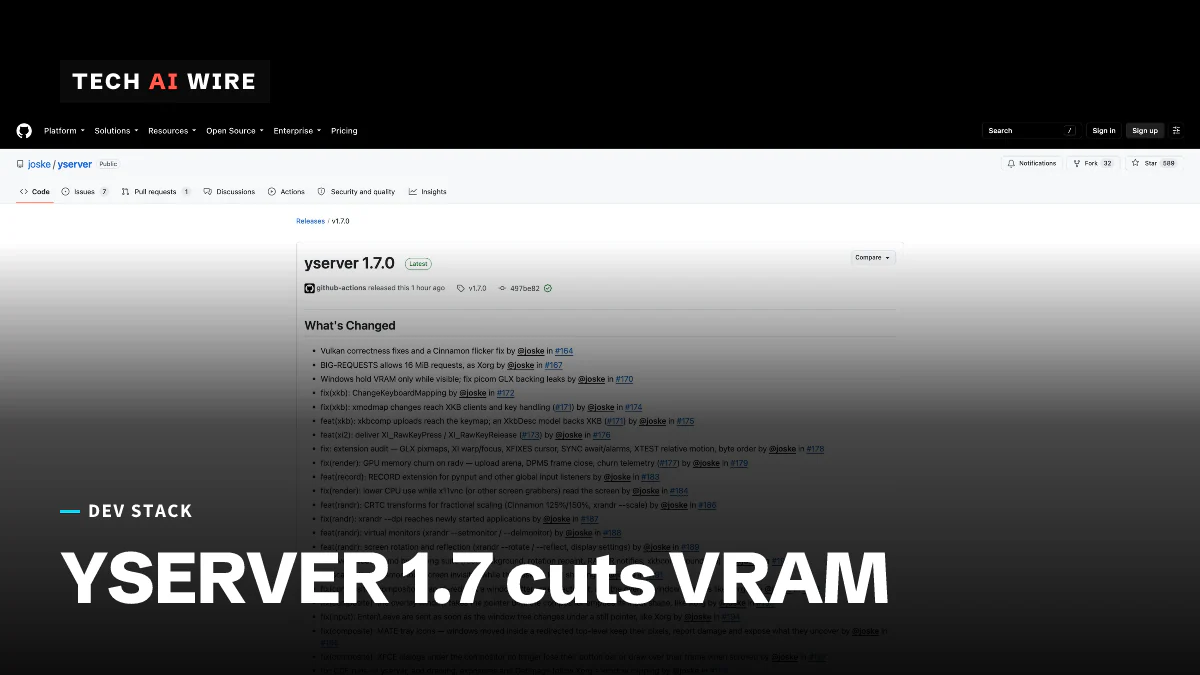
YSERVER 1.7 cuts 4K VRAM use from 2-4GB to about 1.2GB, near X.Org's 0.9GB, and adds Vulkan 1.2 support for older Intel graphics.
3 min read
By the numbers
- YSERVER 1.7 VRAM on 4K, down from 2-4GB
- 1.2GB
- X.Org Server on the same 4K setup
- 0.9GB
- budget for the freed-pixmap cache
- 64 MiB
- pull requests in the release
- 40+
- YSERVER before 1.7 (high end)
- 4GB
- YSERVER before 1.7 (low end)
- 2GB
- YSERVER 1.7
- 1.2GB
- X.Org Server
- 0.9GB
YSERVER 1.7, an X11 display server written from scratch in Rust, has cut its graphics memory use on a 4K screen from 2-4GB to about 1.2GB. Phoronix reports that X.Org Server, the default on most Linux systems, uses about 0.9GB on the same setup. The release also adds Vulkan 1.2 support, which brings older Intel graphics into range. For a project Phoronix describes as "crafted in large part by Claude Code," the gap to the incumbent is now small.
What changed in YSERVER 1.7
X11 is the old protocol many Linux desktops still use to draw windows. A display server is the program that speaks it and puts pixels on the screen. YSERVER aims to replace X.Org Server for modern desktops while dropping legacy parts.
Memory was the headline problem. VRAM is the memory on the graphics card, and YSERVER used far more of it than X.Org. The GitHub release notes say "windows hold VRAM only while visible" now. Freed small pixmaps, cursor images and other leftovers "no longer pile up in VRAM." A pixmap is an off-screen image the server keeps for drawing.
Linux Compatible adds the details of the new cache rules. Freed pixmaps now sit in a cache with a 64 MiB budget, and the server trims it after 60 seconds of idle time.
| Change | What it does | Source |
|---|---|---|
| Vulkan 1.2 support | Runs on Intel Haswell and Ivy Bridge graphics | Linux Compatible |
| VRAM rules | Lower use on 4K, from 2-4GB to about 1.2GB | Phoronix |
| GLX leak fixes | Fixes memory leaks in GLX, the OpenGL bridge for X11 | Phoronix |
| Font caching | Indexed, cached lookups and compressed .pcf.gz fonts | Linux Compatible |
| CRTC transforms | Fractional scaling, virtual monitors, rotation and reflection | GitHub |
| XInput registry | One input device per physical keyboard, mouse or pen | Linux Compatible |
| BIG-REQUESTS | Accepts large 16MB X11 requests | Phoronix |
The font work fixed slow app launches. CDE and Motif apps "start as fast as on Xorg" now, the release notes say. CDE is the Common Desktop Environment from the 1990s, an old but demanding test of X11 compatibility. The release gathers more than 40 pull requests.
How the project checks its own work
The testing setup is the part worth studying. Linux Compatible reports that a suite called vng-suite compares YSERVER's behavior byte for byte against a live X.Org instance across dozens of scenarios. The project also runs the X.Org X Test Suite, which takes about 50 minutes.
That matters for code written with AI help. The repository carries AGENTS.md and CLAUDE.md files, which give instructions to coding agents. A byte-for-byte comparison against a trusted reference gives every AI-written change a clear pass or fail.
The design stays simple on purpose. YSERVER is single-threaded, with one thread that owns all state. It removes non-TrueColor visuals, indirect GLX, the DDX driver interface and endian-swapped clients, Linux Compatible says.
Where it runs
The project has been tested on AMD Ryzen, Intel Core, an Nvidia GTX 1050, Snapdragon X1, Apple M1 and M2 under Asahi Linux, and virtio-gpu virtual machines. The repository lists more than 14 window managers and desktops, including Cinnamon, MATE, XFCE and KDE Plasma. It is tested on Linux and FreeBSD and released under the MIT license.
Packages are available through the Arch User Repository and as binaries for Fedora, Debian, Ubuntu and Alpine. The project has about 590 GitHub stars, up from 557 when this site covered YSERVER 1.5 and its Reverse PRIME support on September 9.
What this means for developers
If you write a replacement for an existing system, copy the testing idea first. A live reference implementation and a byte-for-byte comparison suite turn "it seems to work" into a measurable result. That is what makes large AI-assisted rewrites reviewable.
If you have an older Intel laptop, 1.7 is the first version worth trying on it. Install it from your distribution's package or the AUR, and test your own window manager before you trust it with daily work.
On a 4K screen, budget for about 33% more graphics memory than X.Org: 1.2GB against 0.9GB, by Phoronix's figures. That is fine on most dedicated GPUs. It still matters on integrated graphics that share system memory. Report any app that breaks, since the comparison suite can only test the scenarios someone has written down.
Sources
Related articles
Mold 3.0 ships its Rust rewrite as a drop-in linker
Mold 3.0 is the first release written in Rust. It needs Rust 1.95, drops Intel's oneTBB and links as fast as 2.42.1, the last C++ version.
COSMIC Epoch 1.9 adds image viewer, on-screen keyboard
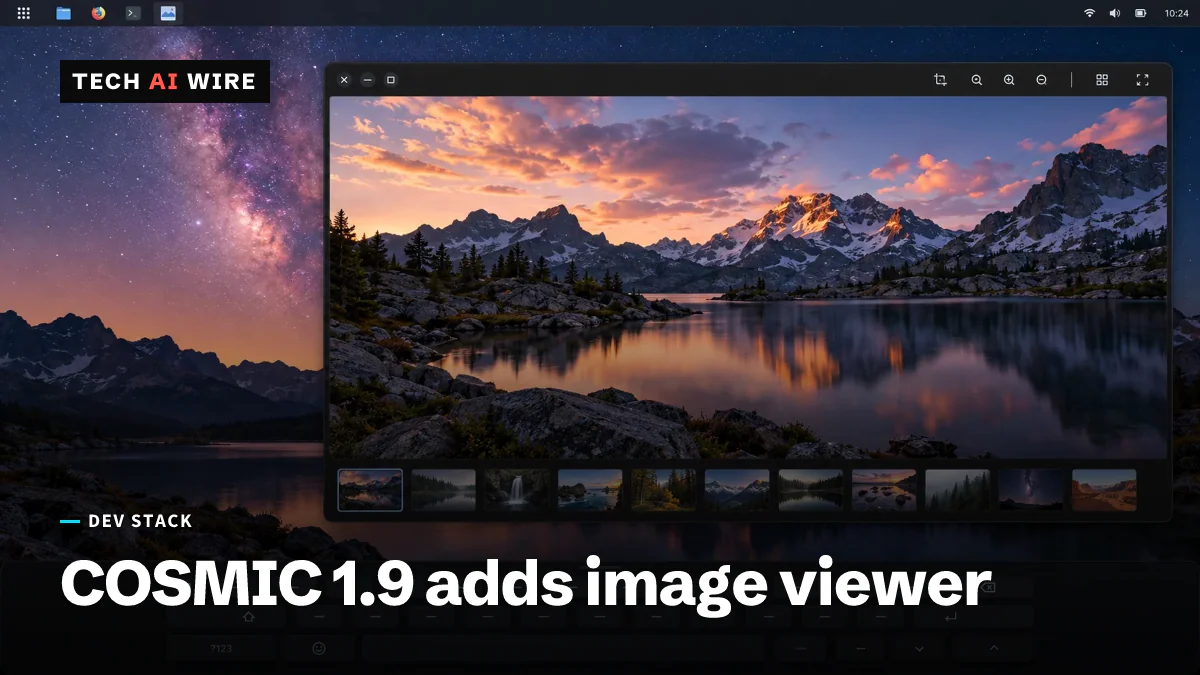
COSMIC Epoch 1.9 shipped September 23, 2026, 13 days after 1.8, with a Rust image viewer, an on-screen keyboard and a redesigned app store.

Ubuntu 26.10 moves cp, mv and rm to Rust coreutils
Ubuntu 26.10 hands cp, mv and rm to Rust. A 113-issue audit held those three back from 26.04 LTS, and stable arrives October 15.
The weekly digest
One email every Friday with the week's top stories from all six desks: AI, dev tools, coding, the tech industry, startups and what's next. Free, no spam.