GitHub AI Scan for pull requests is generally available
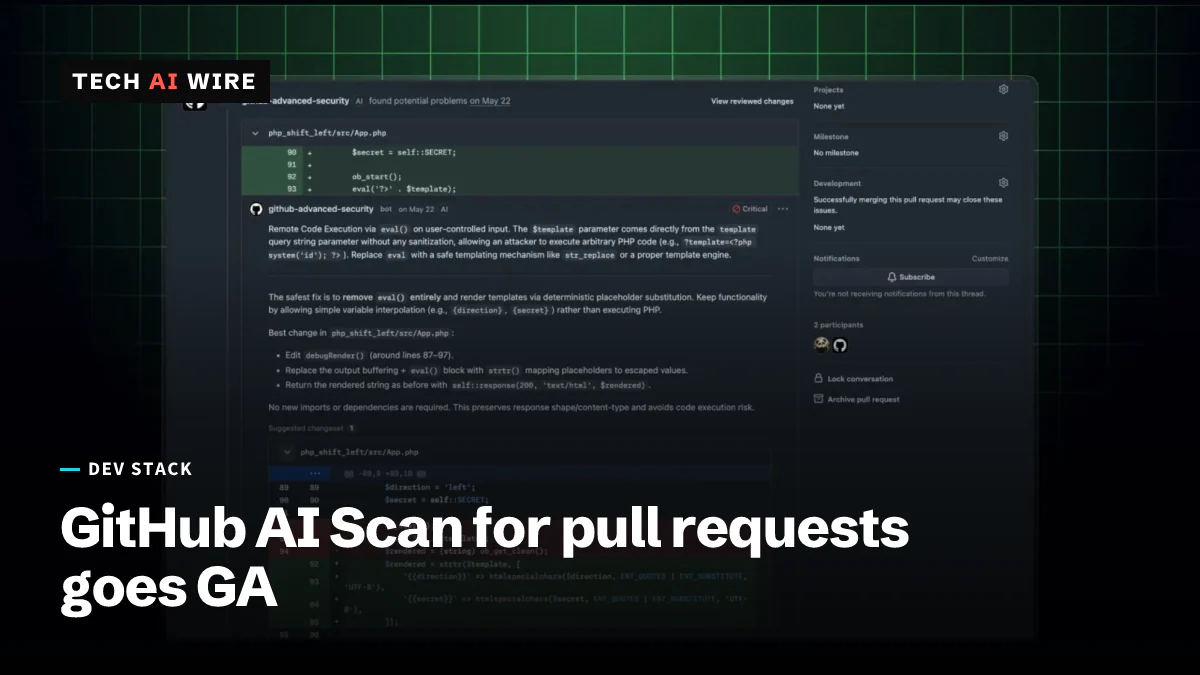
GitHub's AI Scan now checks pull requests in PHP, Shell, Terraform and Dockerfiles. It is out of preview, needs no Copilot license and cannot block merges.
4 min read
By the numbers
- languages and frameworks GitHub names, from PHP to Blazor
- 6
- kinds of security bug it looks for, per GitHub's docs
- 9
- from public preview (July 14) to general availability
- 3 months
GitHub made AI Scan for pull requests generally available on October 15, 2026. The feature uses AI to look for security bugs in code that GitHub's own scanner, CodeQL, cannot read, such as PHP, shell scripts and Terraform files. It matters because those files often sit in the same repository as well-scanned code, yet outside the preview they got no built-in security review from GitHub.
What AI Scan checks
CodeQL is GitHub's rule-based code analysis engine. It reads languages like Java, Python and JavaScript, but it skips many of the files that set up servers and build pipelines. AI Scan fills that gap. GitHub's changelog lists these languages and frameworks, "and more":
| Language or framework | Typical use |
|---|---|
| PHP | Web applications |
| Shell and Bash | Scripts and build steps |
| Terraform (HCL) | Cloud infrastructure as code |
| Dockerfiles | Container images |
| JSP for Java | Older Java web pages |
| Blazor for C# | .NET web interfaces |
GitHub's documentation lists the kinds of problems it looks for. They include string injection, weak cryptography, broken access control, leaked sensitive data and security misconfiguration. It also looks for authentication failures, data integrity failures, server-side request forgery (tricking a server into calling a hidden address) and supply chain risks.
The scan runs when a pull request is opened and again after each new commit. Findings appear on the Conversation and Files changed tabs with an "AI" label. Some include an explanation of the risk and a suggested fix.
Who can use it and how it is billed
AI Scan is available on public repositories owned by organizations or personal accounts. Private and internal repositories owned by an organization need a GitHub Code Security or GitHub Advanced Security license. Personal private repositories are not covered, the documentation says. No GitHub Copilot license is needed.
Each scan uses Code Security AI Credits. Billing starts only when a qualifying pull request is scanned. Organization repositories are billed to the organization's account. In enterprise billing, the usage shows under "AI usage" as Advanced Security, and admins can set a budget for it. GitHub's documentation says that if a hard budget runs out, scanning stops until the budget is raised or a new billing cycle begins. Neither the changelog nor the documentation gives a price per credit.
For enterprises, the policy that allows AI Scan is set to "Not allowed" by default. Once an organization turns it on, it takes effect at once for eligible repositories.
The limits
AI Scan findings are advisory. "They do not fail the code scanning check," the changelog says, and rulesets cannot use them to block a merge. Findings exist only on the pull request. They do not become alerts in the repository's security view.
The scan does not run on pull requests from forks or on pull requests opened by Dependabot, GitHub's dependency update bot. It checks only the changes in a pull request, never a full repository. The documentation also warns that results may include false positives, and it asks users to rate each finding with a thumbs up or down. Superpower Daily sums up the position: AI Scan sits beside CodeQL rather than replacing it.
How it got here
The feature changed a lot during its three-month preview:
| Date | Change |
|---|---|
| July 14, 2026 | Public preview for Code Security customers; needed a Copilot license and CodeQL default setup |
| September 16, 2026 | CodeQL default setup no longer required |
| October 15, 2026 | General availability; no Copilot license needed |
The July preview also drew down an organization's AI credits, according to the July changelog. That part carries over into the paid model above.
What this means for developers
Check whether AI Scan is already on. An organization admin can enable it for every eligible repository at once, and a repository admin who opts out later may already have spent credits. Look at the organization's code security settings today rather than waiting for the first bill.
Set a budget before turning it on. Busy repositories open many pull requests, and each new commit triggers another scan. A hard budget caps the spend, but the scanning then stops, so pick a number that covers a normal month.
Treat findings as review comments, not gates. Because AI Scan cannot block a merge, a team that wants enforcement still needs CodeQL or another rule-based tool for the languages it covers. CodeQL keeps getting new checks, such as the ones in CodeQL 2.27.1. AI Scan is best seen as a second reviewer for the Terraform, shell and Docker files those tools skip.
Watch Dependabot and fork traffic. Open-source projects get many outside pull requests from forks, and those are not scanned. Maintainers should keep their own checks for outside contributions.
Sources
- AI Scan for pull requests generally available - GitHub Changelog
- AI Scan for pull requests - GitHub Docs
- Code scanning shows AI security detections on pull requests - GitHub Changelog
- GitHub releases AI security scans for code changes, but findings cannot block merges - Superpower Daily
Related articles
OpenCode Console breach exposes stored AI provider keys
OpenCode says a breach hit 1.4% of OpenCode Console users on October 17, 2026. Their stored OpenAI, Anthropic and Google API keys may have leaked.
GitHub Actions workflow lockfiles enter public preview
GitHub Actions lockfiles entered public preview on October 14. A new actions.lock file pins every action, even indirect ones, to the exact commit you reviewed.
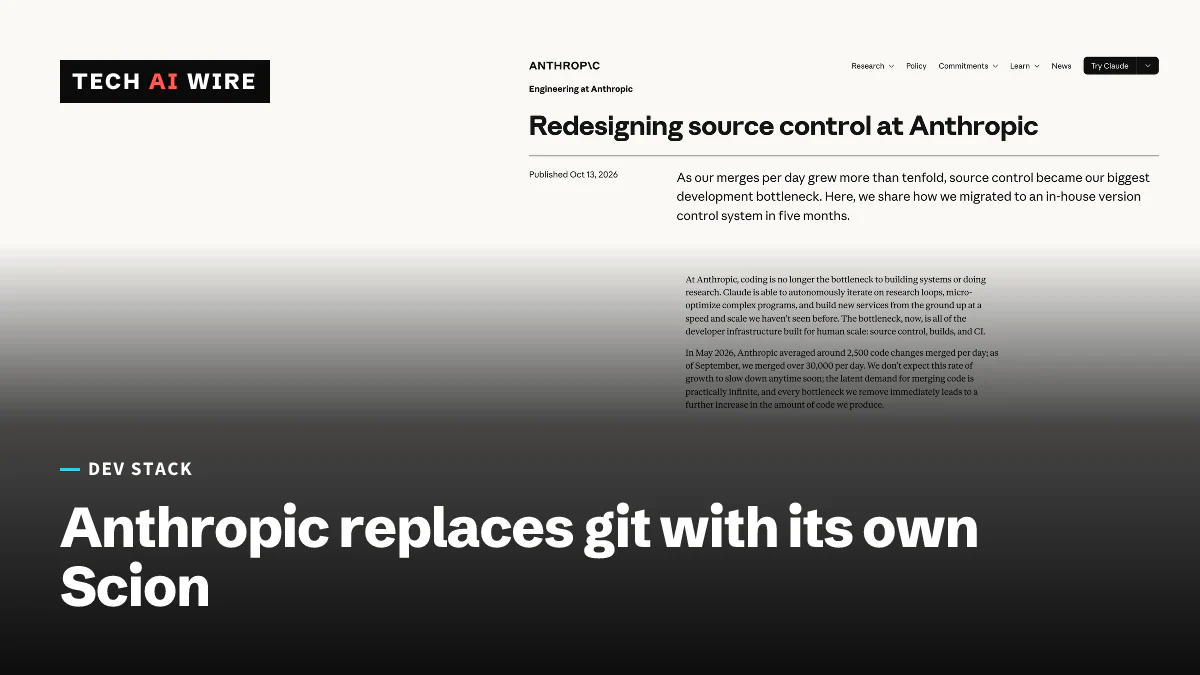
Anthropic swaps git for Scion as merges pass 30,000 a day
Anthropic moved its monorepo off git to Scion, an in-house version control system, after daily merges rose from about 2,500 in May 2026 to over 30,000.
The weekly digest
One email every Friday with the week's top stories from all six desks: AI, dev tools, coding, the tech industry, startups and what's next. Free, no spam.