GitHub Actions workflow lockfiles enter public preview
GitHub Actions lockfiles entered public preview on October 14. A new actions.lock file pins every action, even indirect ones, to the exact commit you reviewed.
4 min read
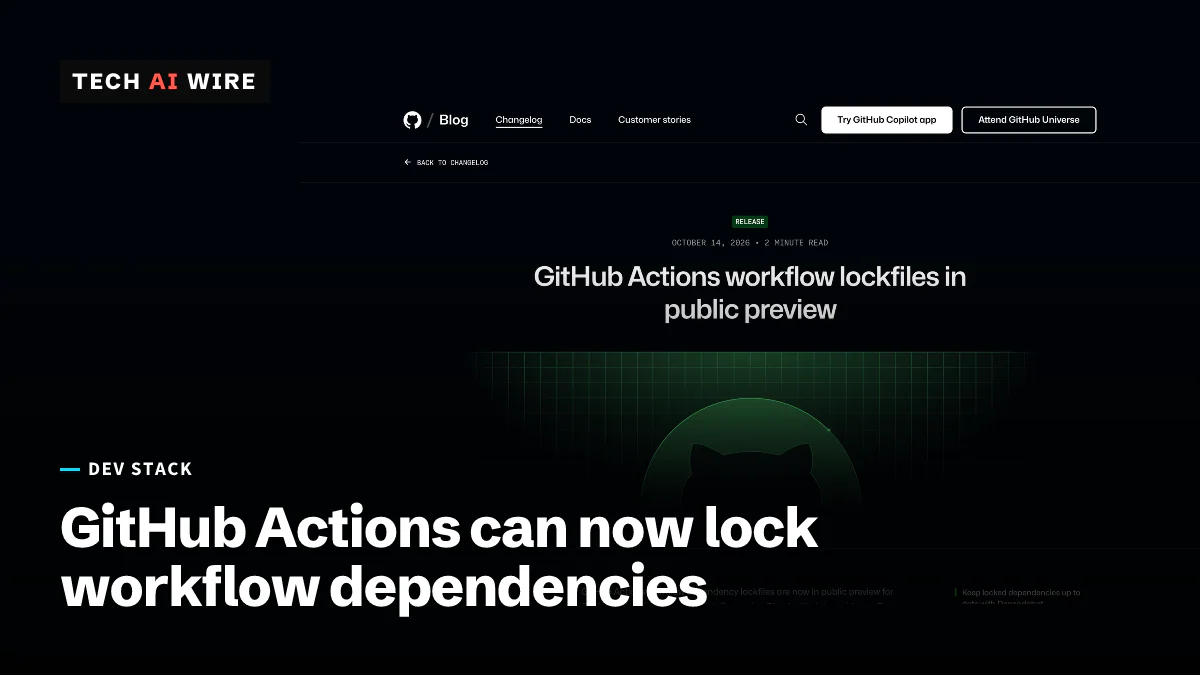
GitHub put workflow dependency lockfiles for GitHub Actions into public preview on October 14, 2026. A new file, .github/workflows/actions.lock, records the exact commit behind every action a workflow uses. A later run can no longer quietly pull in different code, a supply-chain gap that teams have had to close by hand.
GitHub Actions is GitHub's system for running automated jobs, such as tests and deployments, when code changes. Those jobs are built from reusable steps called actions. Most actions live in other people's repositories.
What problem the lockfile solves
A workflow usually names an action by a tag or a branch, such as actions/checkout@v6. That name can point at different code tomorrow. "Tags and branches can move after you review a workflow, so a later run might execute different code," the GitHub changelog says. GitHub's documentation names one way it happens: an upstream maintainer's account is taken over and a tag is moved.
Until now, the main defense was to pin each action to its full commit hash, called a SHA, inside the workflow file. GitHub's docs say that is "no longer necessary" for repositories that adopt a lockfile. Pinning by hand also missed the actions that other actions pull in. The lockfile covers those indirect, or transitive, dependencies too.
How actions.lock works
A command-line tool called gh actions-lock writes the file. It is an extension for GitHub's gh command-line client. Install it with gh extension install github/gh-actions-lock, then run gh actions-lock from the repository root. The file opens with a warning not to edit it by hand.
Each dependency entry stores four values: the reference, the resolved commit, and numeric owner and repository IDs. At run time, Actions checks those IDs. That confirms the repository behind the name is still the one that was locked.
| Item | Detail |
|---|---|
| File | .github/workflows/actions.lock |
| Tool | gh actions-lock, a GitHub CLI extension |
| Covers | Direct actions, transitive actions, reusable workflow dependencies |
| Plans in the preview | Free, Team, Enterprise Cloud, Enterprise Cloud with data residency |
| Enforcement | A "Require lockfile" policy for enterprise, organization or repository admins |
| Status | Public preview since October 14, 2026 |
Teams can onboard workflows one at a time or all at once, for example with gh actions-lock .github/workflows/ci.yml. After that, every action the workflow uses must have an entry, and Actions runs the recorded commit. The tool also rewrites a loose reference such as @v3 to the exact version it found, such as @v3.1.0.
When an upstream tag moves for a good reason, gh actions-lock --relock updates the entry. If a locked commit has vanished, for example after a force-push, the docs point to --relock --accept-moved.
Who gets it, and what Dependabot does
The changelog lists four plans: Free, Team, Enterprise Cloud and Enterprise Cloud with data residency. An editor's note says GitHub changed that list on October 14. Early coverage, including OpenTools, described the preview as Enterprise Cloud only. None of the sources mention GitHub Enterprise Server, the self-hosted edition.
A "Require lockfile" policy, also in preview, lets admins make lockfiles mandatory. It works at the enterprise, organization or repository level.
Dependabot is GitHub's bot for dependency updates. When it bumps an action in an onboarded workflow, it now regenerates the matching lockfile entry in the same pull request. It does not onboard new workflows by itself, GitHub's docs say.
What the lockfile does not do
A lockfile freezes code, but it does not check it. GitHub's changelog tells teams to review dependencies before they lock them. Developer Dave Kurian made the same point in his DEV Community guide. "The lock records which commit a workflow dependency resolves to; it does not assess whether the action is safe."
Reusable workflows have one catch. A reusable workflow is a whole workflow that other workflows call. It is covered by the lockfile in the repository where it is defined, not by its callers. Teams that share workflows from one central repository should lock that repository first, the docs advise.
What this means for developers
- Start with one workflow. Lock a deploy or release workflow first, since those usually hold the strongest credentials. Watch a few runs before you go wider.
- Fix your allowlists. Some organizations allow actions by tag, such as
actions/checkout@v6. GitHub's docs say those entries stop matching locked workflows, so switch them to a wildcard or a full SHA. - Turn on Dependabot for actions first. It keeps lockfile entries current in the same pull request, so locked workflows do not go stale.
- Check for stale lockfiles in CI. The tool can check entries without changing any files. OpenTools suggests a required check that fails on a stale lockfile, plus code-owner review of the file.
- Hold the policy until coverage is ready. "Turning the policy on before coverage and update automation are ready can block workflow runs," OpenTools warns. Measure first, then enforce.
- Treat a changed owner or repository ID as an alarm. GitHub's docs say such a change should be rare. Investigate it before you merge.
Sources
- GitHub Actions workflow lockfiles in public preview - GitHub Changelog
- Workflow dependency lockfiles - GitHub Docs
- Locking action dependencies in a repository's workflows - GitHub Docs
- GitHub Actions lockfiles pin the code behind workflow dependencies - OpenTools
- Lock GitHub Actions dependencies to reviewed commits with workflow lockfiles - DEV Community
Related articles
GitHub AI Scan for pull requests is generally available
GitHub's AI Scan now checks pull requests in PHP, Shell, Terraform and Dockerfiles. It is out of preview, needs no Copilot license and cannot block merges.
Git post-checkout hook malware targets developers
Developer Frank Wiles says a fake client sent him a repo whose git post-checkout hook fetched malware on a branch switch. Job seekers face the same trick.
Git 3.0's SHA-256 default is a costly mistake, says Chacon
Scott Chacon says Git 3.0's SHA-256 default fixes a problem no repository has hit and breaks 40-character hashes everywhere. Git says no date is set.
The weekly digest
One email every Friday with the week's top stories from all six desks: AI, dev tools, coding, the tech industry, startups and what's next. Free, no spam.