Homebrew 7.0.0 stops building bottles for Intel Macs
Homebrew 7.0.0 moves Intel Macs to Tier 3, so brew install now compiles from source there, and support ends in or after September 2027.
4 min read
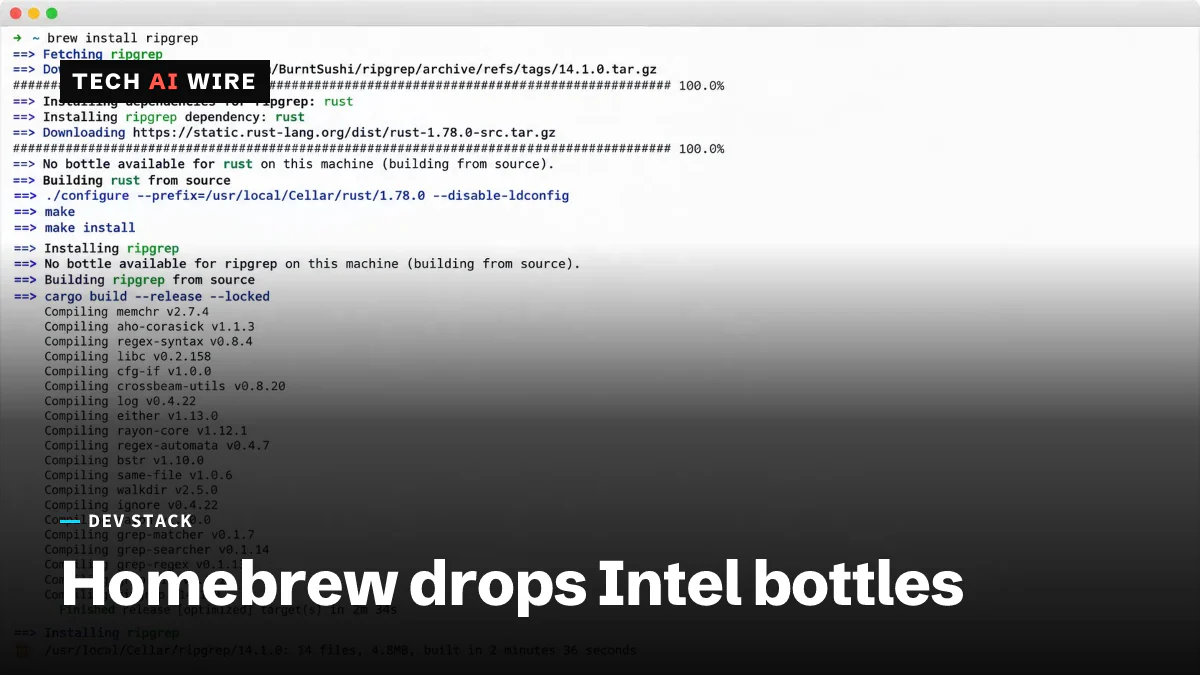
Homebrew 7.0.0 shipped on September 13, 2026, and it demotes Intel Macs to the project's lowest support tier. Homebrew has stopped building ready-made binaries for those machines, so an install that used to take seconds can now take minutes of compiling.
Homebrew is the package manager most Mac developers use to install command-line software. The project calls a prebuilt binary a "bottle." When a bottle exists, the install command downloads it and unpacks it. When no bottle exists, Homebrew builds the program from source on your own machine.
What 7.0.0 removes on day one
The Homebrew release notes list four things that stop working as soon as you upgrade.
| Removed in 7.0.0 | What to do instead |
|---|---|
| macOS 10.15 Catalina and earlier | Nothing. Homebrew no longer runs there |
The ghcr.io/homebrew/ubuntu22.04 Docker image | Move to ghcr.io/homebrew/brew:latest |
Homebrew/actions/*@master references | Pin a dated release tag in your workflow |
| setuid wrappers with mismatched user IDs | No longer honored |
The GitHub Actions change is the one that breaks a build with no warning. Homebrew deleted the master branch from its actions repository. Any workflow still pointing at that branch will fail on its next run.
Intel Macs move to Tier 3
Homebrew sorts every platform into four tiers. Its support tiers page calls Tier 1 "the most reliable experience using Homebrew" with "full CI coverage." Tier 2 is "not fully supported" and may bring "reduced reliability or performance." Tier 3 setups "may fail to function reliably."
| Platform | Tier after 7.0.0 |
|---|---|
| Apple silicon on macOS Golden Gate 27, Tahoe 26 or Sequoia 15 | Tier 1 |
| Apple silicon on macOS Big Sur 11 through Sonoma 14 | Tier 3 |
| Intel x86_64 on macOS Big Sur 11 through Tahoe 26 | Tier 3 |
| macOS Catalina 10.15 and earlier | Unsupported |
The documentation is blunt about the deadline. "Homebrew has stopped building new bottles for Intel systems, and will remove the ability to run Homebrew on Intel systems in or after September 2027," the support tiers page says. ByteIota reports that the project points Intel holdouts toward MacPorts, a rival package manager for macOS.
Read the table carefully if you own an Apple silicon Mac. Sonoma 14 is Tier 3 there too. Sequoia 15 is now the oldest release that gets full support on any hardware.
A vulnerability scanner and a tighter sandbox
Version 7.0.0 adds a brew vulns command. It checks what you have installed against a new Homebrew Advisory Database. ByteIota reports that the results follow the OSV format, a shared way of describing known vulnerabilities. The same report says the command prints JSON for continuous integration and can filter by severity.
The sandbox got stricter on both platforms. A sandbox is the fence a package manager puts around a build so it cannot touch the rest of your system. On macOS, Homebrew now restricts launching apps, using Mach services and opening Unix sockets, and it blocks reads of your home directory by default. On Linux, the project replaced Bubblewrap with Landlock, a permission feature built into the kernel itself.
Three deprecations have a long fuse. The release notes give December 11, 2027 as the deadline for formula post_install blocks, cask flight blocks, HOMEBREW_NO_SANDBOX_LINUX and HOMEBREW_ARCH. Bootstrapping from the frozen Homebrew/brew master branch stops working on March 1, 2027.
What this means for developers
Fix your continuous integration first. The master branch and the Ubuntu 22.04 image are both gone, and neither failure will be obvious from the error message. Grep your workflow files for @master and for ubuntu22.04 today, before a merge queue finds them for you.
Budget real time for Intel builds. A Tier 3 machine compiles large packages instead of downloading them, and a toolchain or a database server can take a long while. If an Intel Mac is your build runner, measure one full install now and decide whether that number still fits your pipeline.
Run brew vulns once and read the whole list. It is the first time Homebrew tells you about known problems in software you already installed, and the first run is usually the noisy one. Wire the JSON output into your pipeline only after you have triaged what is there.
Expect a few formulas to break under the new sandbox. Blocking home directory reads by default is the change most likely to surface a build that quietly depended on a dotfile. If one fails, check the sandbox before you blame the compiler, and file the bug upstream.
Plan your macOS upgrades around Sequoia 15. Anything older is Tier 3 now, including Sonoma 14 on Apple silicon hardware such as the newest Mac mini and Mac Studio. September 2027 is the date to put in the calendar for any Intel machine you still depend on.
Sources
- Homebrew 7.0.0 - Homebrew
- Homebrew 7.0.0: Intel Macs Demoted, brew vulns Now Live - ByteIota
- Homebrew Documentation: Support Tiers - Homebrew Documentation
Related articles
GitLab CVE-2026-97229: Alpine reports an exploit attempt
Alpine Linux says an attacker tried CVE-2026-97229 on its GitLab server on October 20-21. Upgrading GitLab alone did not fix it: the patch lives in Ruby.
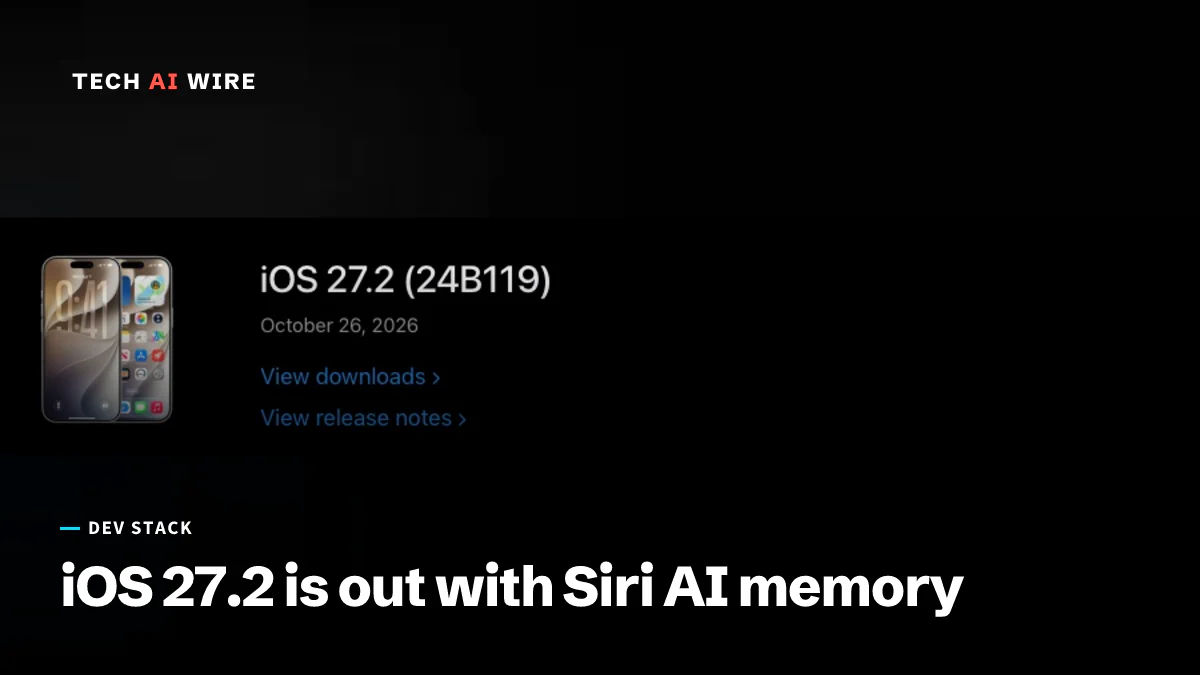
iOS 27.2 is out with Siri AI memory and 163 fixes
Apple released iOS 27.2 on October 26 with Siri AI memory, an Excluded Apps privacy setting, five new Siri languages and fixes for 163 vulnerabilities.
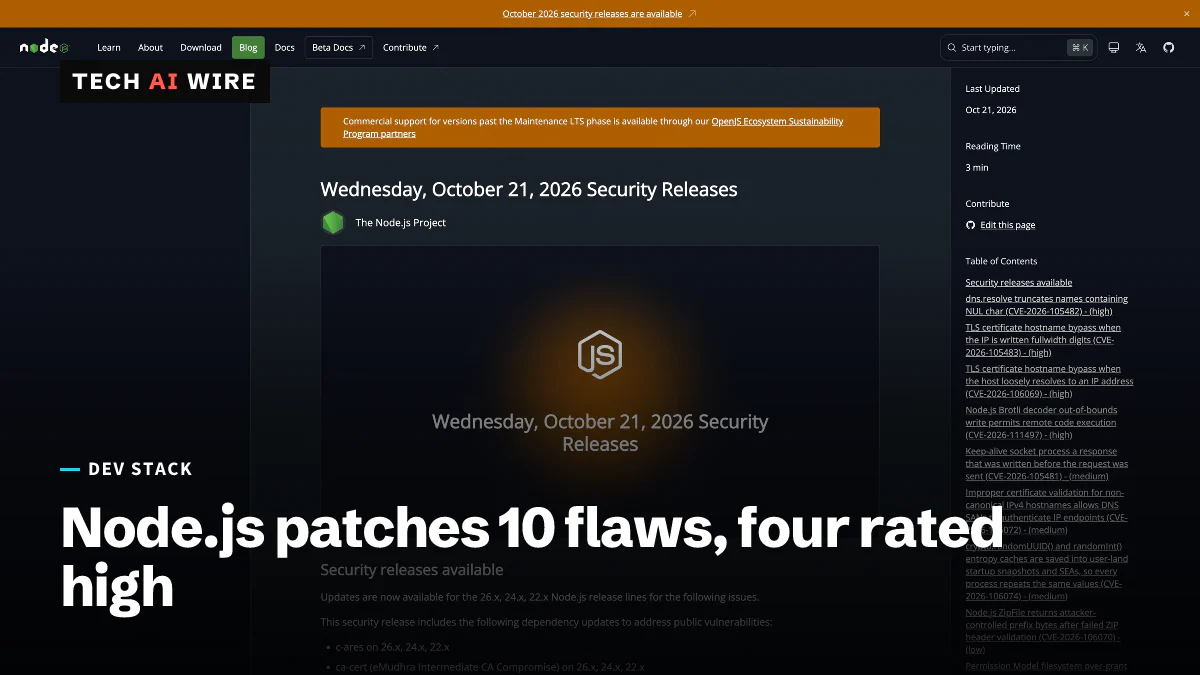
Node.js 26.12.1, 24.22.1, 22.23.4 fix 10 security flaws
Node.js fixed 10 vulnerabilities on October 21, 2026, four rated high, including a Brotli decoder bug that can allow remote code execution.
The weekly digest
One email every Friday with the week's top stories from all six desks: AI, dev tools, coding, the tech industry, startups and what's next. Free, no spam.