RemoveMacAI strips Apple Intelligence models from macOS 27
A new MIT-licensed command-line tool turns off Apple Intelligence on macOS 27, deletes its on-device models and stops macOS from downloading them again.
3 min read
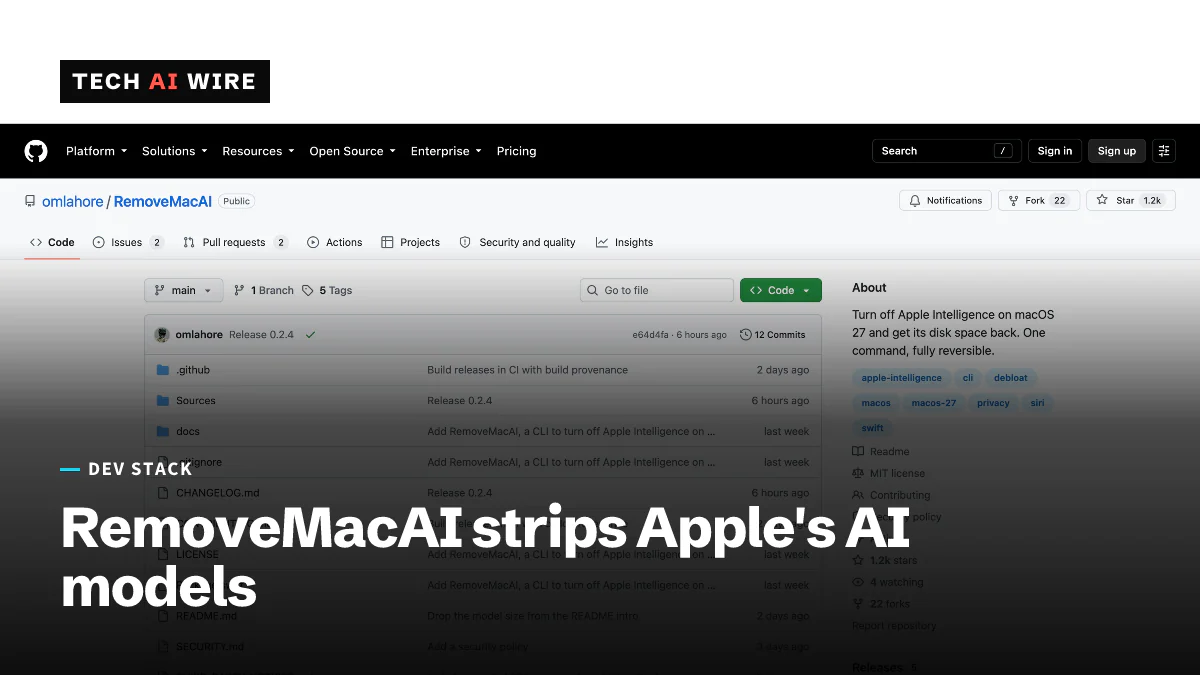
A new open-source tool called RemoveMacAI turns off Apple Intelligence on Macs running macOS 27. It also deletes the AI models Apple stores on the machine and stops macOS from downloading them again. GBHackers reported the tool on October 5, 2026. It is aimed at people who have switched Apple Intelligence off but still have its models taking up space on their drives. Its README sums it up: it "turns the features off, removes the models and prevents macOS from downloading them again."
What Apple Intelligence leaves behind
Apple Intelligence is Apple's set of AI features built into its operating systems. Much of it runs on the Mac itself, using AI models that macOS downloads and keeps on the drive. RemoveMacAI is built to delete those files as well as switch the features off.
Neither source gives a figure for how much storage the models use. The project's documentation notes one quirk after removal. Storage settings may still list Apple Intelligence for a short time, because macOS schedules the files for deletion rather than removing them at once.
How RemoveMacAI works
The tool runs from the command line, the text-based Terminal app on a Mac. According to its GitHub repository, a run goes through four steps:
- It shows the current state of Apple Intelligence on the Mac and asks you to confirm.
- It opens System Settings so you can install a configuration profile.
- It removes the downloaded AI models.
- It blocks new downloads of those models.
A configuration profile is a settings file that macOS applies system-wide. Companies normally use them to manage fleets of Macs. RemoveMacAI's profile uses Apple's own restriction keys to switch the features off, GBHackers reports.
The download block works in an unusual way. The profile points each removed model's download at a closed port on the Mac itself, a network address where nothing answers. "Redirects the download of each removed model to a closed local port, so macOS does not download it again," the documentation says.
What stops working
RemoveMacAI switches off more than one feature. GBHackers lists these:
| Feature | What it does normally |
|---|---|
| Siri | Apple's voice assistant |
| Writing Tools | Rewrites and proofreads text |
| Genmoji | Creates custom emoji from a description |
| Image Playground | Generates images from prompts |
| Visual Intelligence | Identifies what the camera or screen shows |
The repository adds two more side effects. Natural-language editing in Calendar stops working. Third-party apps that rely on Apple's on-device models also stop working.
GBHackers notes that the tool "intentionally disables features that some users or managed workflows may require."
Requirements and how to undo it
| Item | Detail |
|---|---|
| Hardware | Apple silicon Macs only |
| macOS | macOS 27; tested on 27.0 and 27.0.1 |
| Older macOS | macOS 26 and earlier are not supported |
| Version for 27.0.1 | RemoveMacAI 0.2.3 or later |
| Install | Homebrew, or a one-line installer with a SHA-256 checksum check |
| License | MIT |
| Undo | removemacai revert reverses every change |
Homebrew is a popular package manager for installing developer tools on a Mac. A SHA-256 checksum lets the installer confirm that the downloaded file has not been altered.
What this means for developers
If you manage Macs for a company, you can already push the same restriction keys through your device management system. RemoveMacAI shows a second step that most policies skip: deleting models that are already on the drive and blocking their return. Test it on one machine before you copy the approach.
If your app uses Apple's on-device models, expect some users to remove them. RemoveMacAI makes that easy, and once it has run those apps stop working. Check whether the models are available before you call them. Show a clear message, or fall back to another option, when they are missing.
If you try the tool yourself, read what it disables first. Siri, Writing Tools and Visual Intelligence all go dark. Install through Homebrew or the checksum-verified installer, and keep removemacai revert in mind in case you want the features back.
Watch for Apple's response. The tool depends on macOS 27's current behavior, and it already needed version 0.2.3 to support macOS 27.0.1. A future macOS update could break it again.
Sources
Related articles
Homebrew 7.0.0 stops building bottles for Intel Macs
Homebrew 7.0.0 moves Intel Macs to Tier 3, so brew install now compiles from source there, and support ends in or after September 2027.
Asahi Linux now officially supports M3 series Macs
Asahi Linux has merged M3, M3 Pro and M3 Max support into its installer. Wi-Fi, USB 3 and AV1 decoding work. Sleep, HDMI and fast 3D do not.
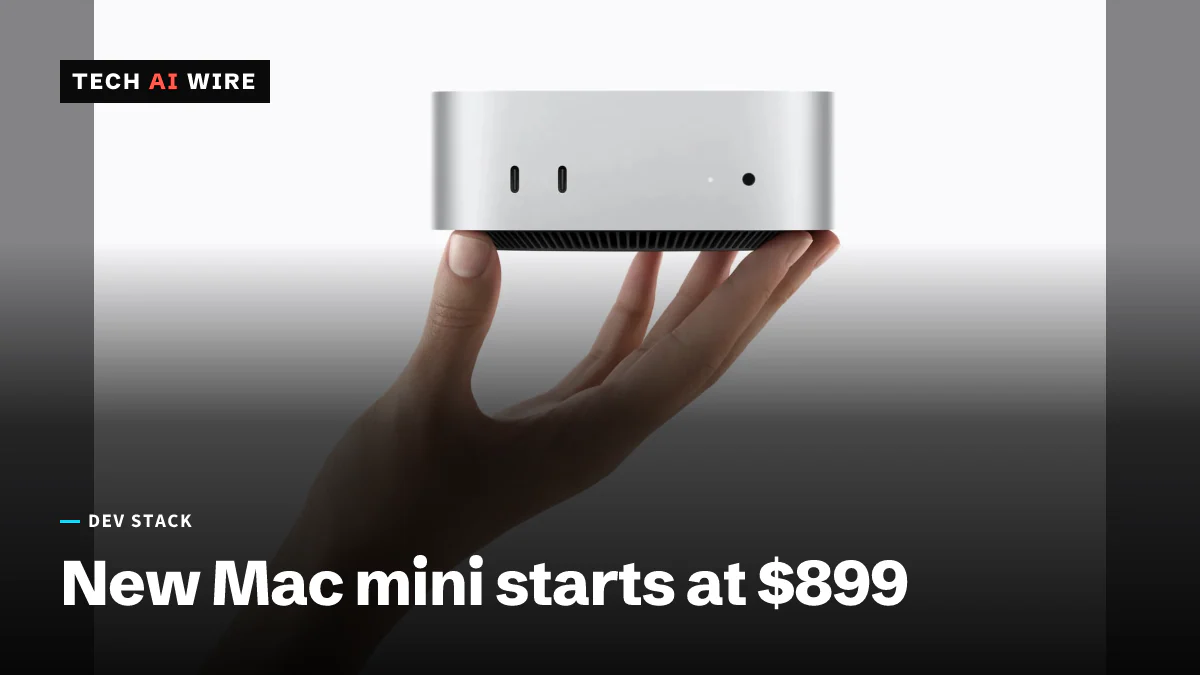
New Mac mini and Mac Studio put more memory bandwidth behind local AI
Apple announced new Mac mini and Mac Studio models on August 25, 2026, shipping September 22. For local model work, the memory ceiling matters more than the AI multipliers.
The daily brief
Three to five stories a day, and what each one means for the people who build software. Free, no spam.