Ollama 0.33 lets Claude Desktop run Qwen, DeepSeek and Kimi locally
Ollama 0.33.0 adds a local proxy that swaps the model behind Anthropic's Claude Desktop app for an open one. A spring attempt failed on model-ID checks.
3 min read
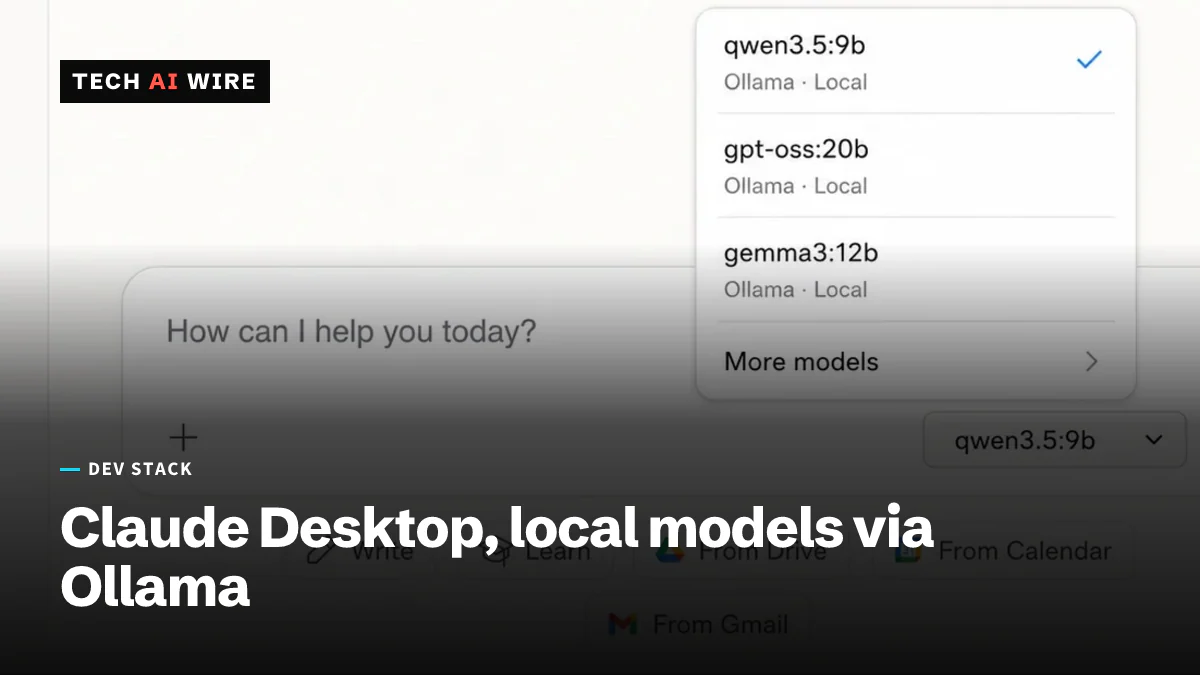
Ollama has shipped a way to run open models inside Anthropic's Claude Desktop app. Version 0.33.0 adds a local proxy that routes the app's requests to a model of your choosing, dev.ua reported on 27 August 2026. The result is Anthropic's interface with Qwen, DeepSeek, Kimi, or GLM answering behind it. For developers that means one familiar app for testing several models, including ones that never leave your machine.
Ollama is a free tool for downloading and running open-weight language models on your own computer. Open weights means the model files are published, so you can run them without an API account. Claude Desktop is Anthropic's official desktop app for its Claude models.
How the proxy works
The trick is a swap, not a plugin. You turn the integration on inside Ollama. The New Stack explains that Ollama then "configures Claude Desktop so that queries can be passed to the models via Ollama". You keep Anthropic's interface. Ollama changes which model actually responds.
This is Ollama's work, not Anthropic's. The integration lives in Ollama and is built to sit between the app and the model. Ollama's blog describes Claude Desktop as a third-party gateway provider for its open models, and notes that Ollama now speaks both the OpenAI and Anthropic API formats. That compatibility is what lets tools built for Anthropic's API, including Claude Code, talk to an Ollama model instead.
| Model family | Made by |
|---|---|
| Qwen | Alibaba |
| DeepSeek | DeepSeek |
| Kimi | Moonshot AI |
| GLM | Z.ai |
Why the first attempt failed
This is Ollama's second try. The New Stack reports an earlier effort stalled. Dev.ua gives the reason: in the spring, Claude Desktop rejected model identifiers that were not Anthropic's own, so the integration broke. The new proxy is designed to get past that check.
That history matters more than the feature. It tells you the integration works because of how Claude Desktop validates models today, not because Anthropic built a hook for it.
What this means for developers
Use this for what it is good at: side-by-side model testing in one window. Dev.ua frames the benefit as trying different models from one application instead of switching services. Run the same prompt through Claude, then flip to Qwen or DeepSeek, and compare. That is faster than juggling four apps and four accounts.
Do not build a workflow on it. The spring version died when Claude Desktop tightened a model-ID check, and nothing in the reports suggests Anthropic signed off on this one. A desktop app update could break it again without notice. Keep your real local-model setup in Ollama's own CLI or API, where you control both ends.
Understand the privacy boundary precisely. With a local Ollama model selected, the prompt stays on your machine. That is true for the model call. It does not tell you what Claude Desktop itself logs or sends home, because the reports do not cover that. If you need a guarantee, check the network traffic yourself before you paste anything sensitive.
The bigger shift is the API compatibility underneath. Ollama now accepting Anthropic-format requests means Claude Code, the command-line agent, can point at a local model too. For teams that cannot send code to a cloud API, that is the more useful door this release opens. The Claude Desktop trick is the demo. The API shim is the tool.
Sources
Related articles

Nvidia RTX Spark laptops go on sale from $2,599
Nvidia RTX Spark laptops from six makers went on sale on October 16 from $2,599, with up to 128GB of memory and a new 74B open model, Nemotron 3.5 Bolt.
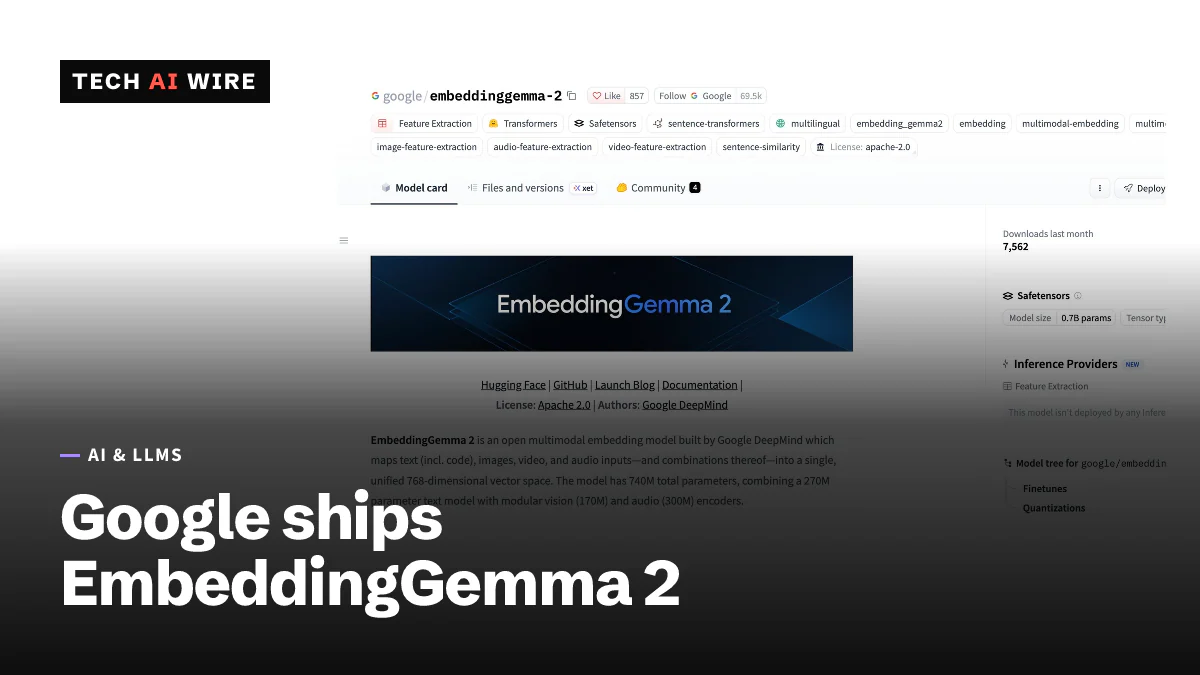
EmbeddingGemma 2 puts multimodal search on a phone
Google DeepMind's EmbeddingGemma 2 maps text, code, images, video and audio into one vector space with 740M parameters. Text-only use needs about 191 MB of RAM.
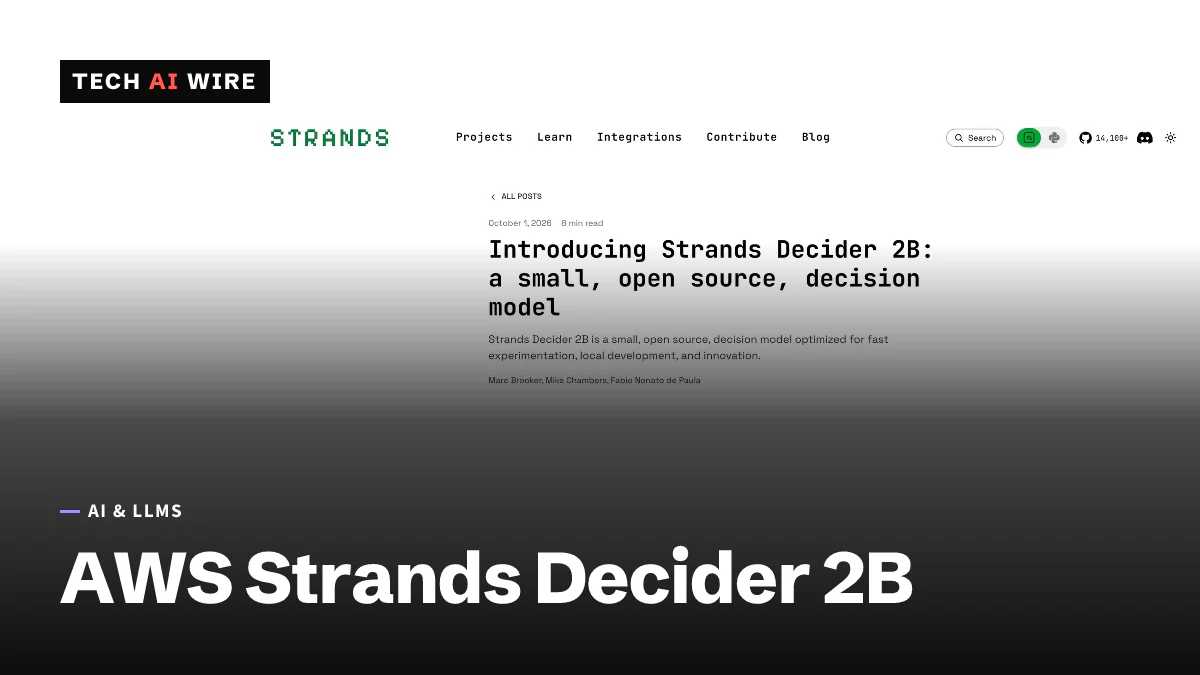
Strands Decider 2B makes agent choices in 115 ms
AWS's Strands Decider 2B is an open-source model that picks from a list instead of writing text. It answers in 115 ms on an RTX 3090 and scores 72.3% on JevBench.
The weekly digest
One email every Friday with the week's top stories from all six desks: AI, dev tools, coding, the tech industry, startups and what's next. Free, no spam.