JetBrains' Java and Kotlin extension for VS Code hits 1.0
Java and Kotlin by IntelliJ IDEA reached 1.0 on October 15, bringing IntelliJ's code analysis to VS Code and Cursor - for Ultimate subscribers.
3 min read
Drafted with AI from the sources linked in this article, then fact-checked and edited by Claire Whitmore before publishing. How we work
By the numbers
- first stable release, October 15, 2026
- 1.0
- free trial before a license is needed
- 30 days
- build systems: Maven, Gradle and Bazel
- 3
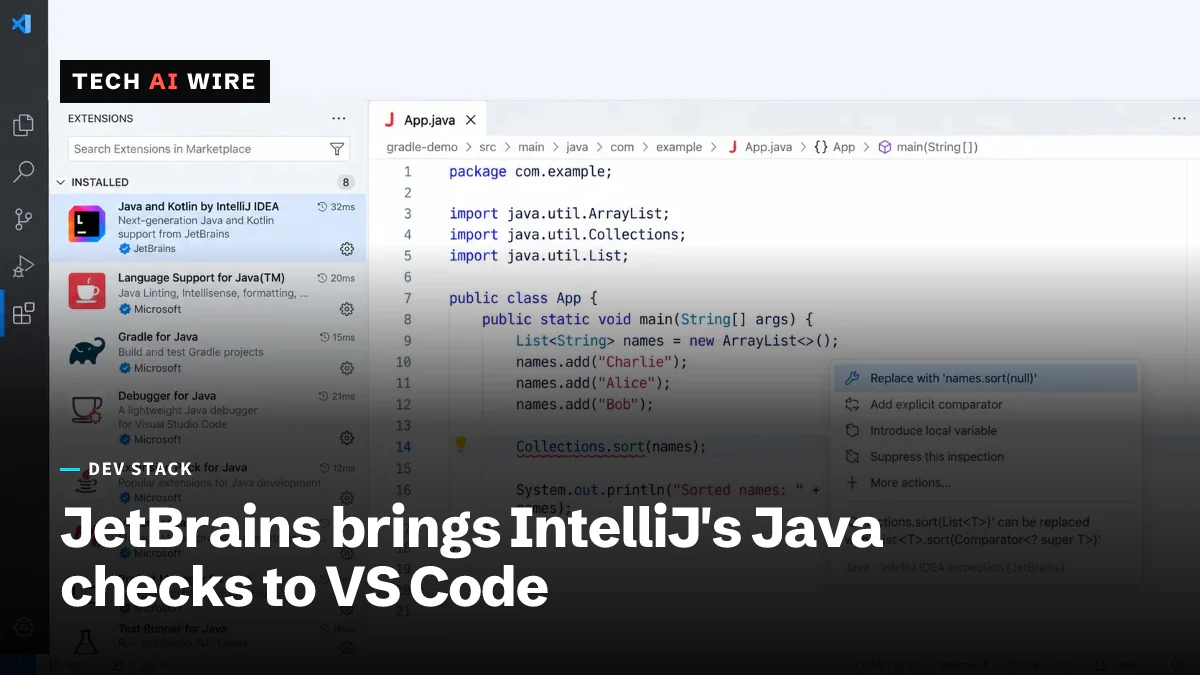
JetBrains has shipped version 1.0 of "Java and Kotlin by IntelliJ IDEA," an extension that puts its IntelliJ IDEA code analysis inside VS Code and Cursor. The company announced the first stable release on October 15, 2026, after a preview that began in August. It matters because Java and Kotlin developers no longer need JetBrains' own editor to get JetBrains' code checks - but the free preview is over.
Japanese tech site Mado no Mori, part of Impress Watch, reported the release on October 19. JetBrains' own help pages describe what the extension does.
What the extension does
The extension brings the core of IntelliJ IDEA, JetBrains' Java editor, to editors built on VS Code. That covers Microsoft's VS Code, the AI editor Cursor, and Google's Antigravity, according to Mado no Mori. It is listed on the Visual Studio Marketplace and on the Open VSX Registry, the open store that Cursor and other VS Code forks use.
JetBrains' help page lists these features:
| Area | What is included |
|---|---|
| Editing | Code completion, navigation, refactorings, code formatting |
| Analysis | IntelliJ inspections and quick fixes |
| Frameworks | Code analysis for Spring Core, Spring Data and Spring Boot |
| Running | Run and debug Java and Kotlin apps, run tests |
| Projects | Import from Gradle, Maven and Bazel |
| Versions | Java 25, Java 27 early access, Kotlin 2.4 |
It handles pure Java, pure Kotlin and mixed projects. The test runner supports only JUnit for now, Mado no Mori reports.
How it works
The extension is built on the Language Server Protocol, or LSP. LSP is a standard way for an editor to ask a separate program, called a language server, for completions, errors and fixes. The editor shows the results; the server does the thinking.
JetBrains' help page says its server "runs in the background to analyze your project." Because it speaks a standard protocol, other editors that support LSP could reuse the same server, Mado no Mori notes.
Its checks overlap with the Java extensions from Red Hat and Oracle that many VS Code users already run. JetBrains recommends turning those off to avoid duplicate warnings. It works alongside Spring Tools without problems, according to the report.
What it costs now
The 1.0 release ends the free preview. Using the extension now needs a subscription to IntelliJ IDEA Ultimate or to JetBrains' All Products Pack. A 30-day trial is available. Mado no Mori did not report prices.
One license covers both the desktop IntelliJ IDEA app and the VS Code-family editors. JetBrains says the license is meant for people, not software agents. It plans to announce a separate license model for agent-only use later.
Where AI agents fit
JetBrains plans to let AI agents call the language server directly. Future releases would give agents in Cursor and in VS Code's agent view the same analysis a person sees.
The company is also testing terminal-based coding agents, Claude Code and Codex, calling IntelliJ's Java and Kotlin analysis. Mado no Mori says an announcement is expected soon. Neither feature is in 1.0.
What this means for developers
If your team is split between IntelliJ and VS Code or Cursor, this is the first stable way to give both groups the same inspections. Code that passes review in one editor should now flag the same issues in the other.
Check your licenses before rolling it out. Anyone who used the free preview now needs an Ultimate or All Products Pack seat. Teams that moved to Cursor to save on IDE licenses will not save that money if they want IntelliJ's checks.
Clean up your extension list first. Disable the Red Hat and Oracle Java extensions in the same workspace, as JetBrains advises, or expect doubled warnings and competing quick fixes.
Test your build before switching. Maven, Gradle and Bazel projects import, but a project that relies on TestNG or another non-JUnit runner will not run its tests from the editor yet.
Watch the agent license. If you plan to let Claude Code, Codex or Cursor's agent use IntelliJ's analysis in CI or unattended jobs, the human-use license may not cover it. Wait for JetBrains' agent pricing before building on that.
Sources
- JetBrains' IntelliJ IDEA Java/Kotlin features for VS Code and Cursor: extension reaches v1.0 - Mado no Mori (Impress Watch)
- About Java and Kotlin by IntelliJ IDEA - JetBrains
Related articles
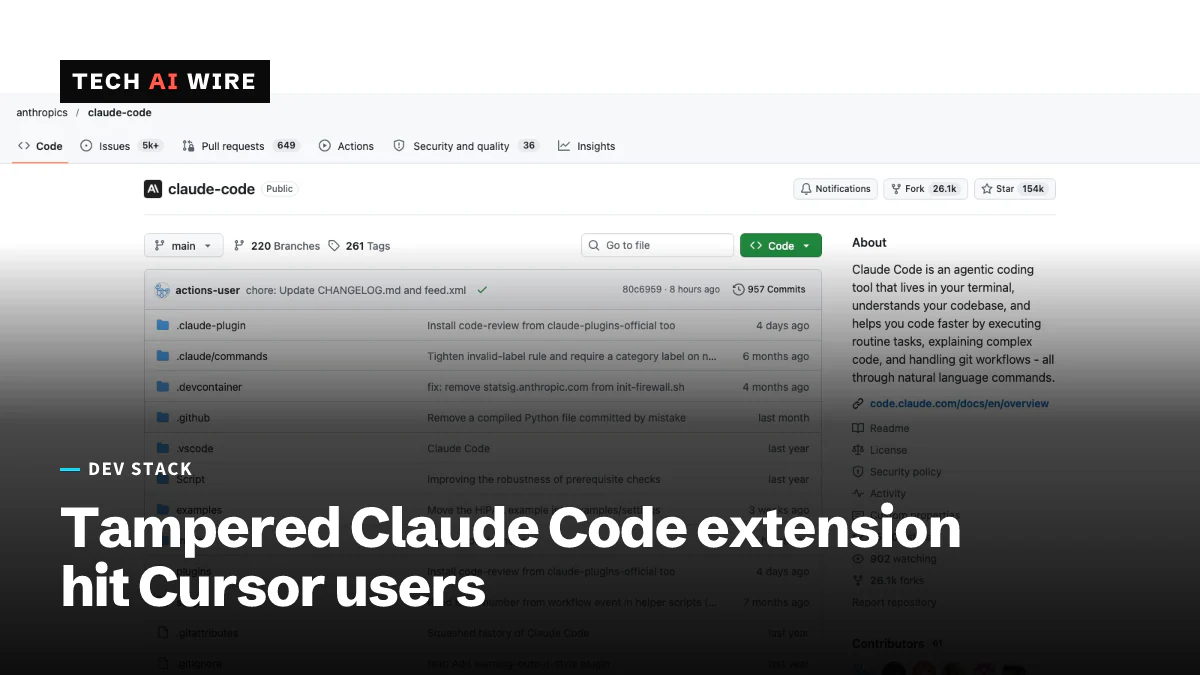
Claude Code extension on Cursor planted SSH backdoors
Tampered Claude Code extension builds 2.1.312 and 2.1.313 sat in Cursor's marketplace for about 11 hours on October 29, adding an SSH key and a reverse tunnel.
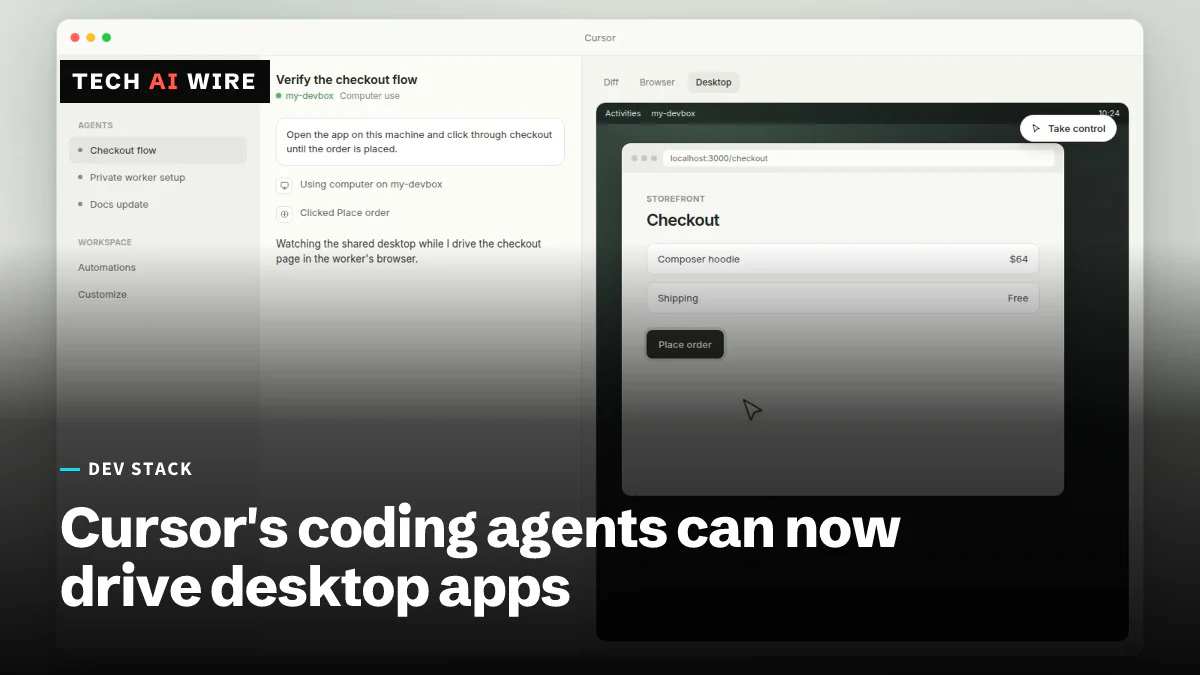
Cursor Computer Use lets agents drive desktop apps
Cursor said on October 23 that its agents can click and type in desktop apps like the iOS Simulator to test their own code. Macs need two permissions.
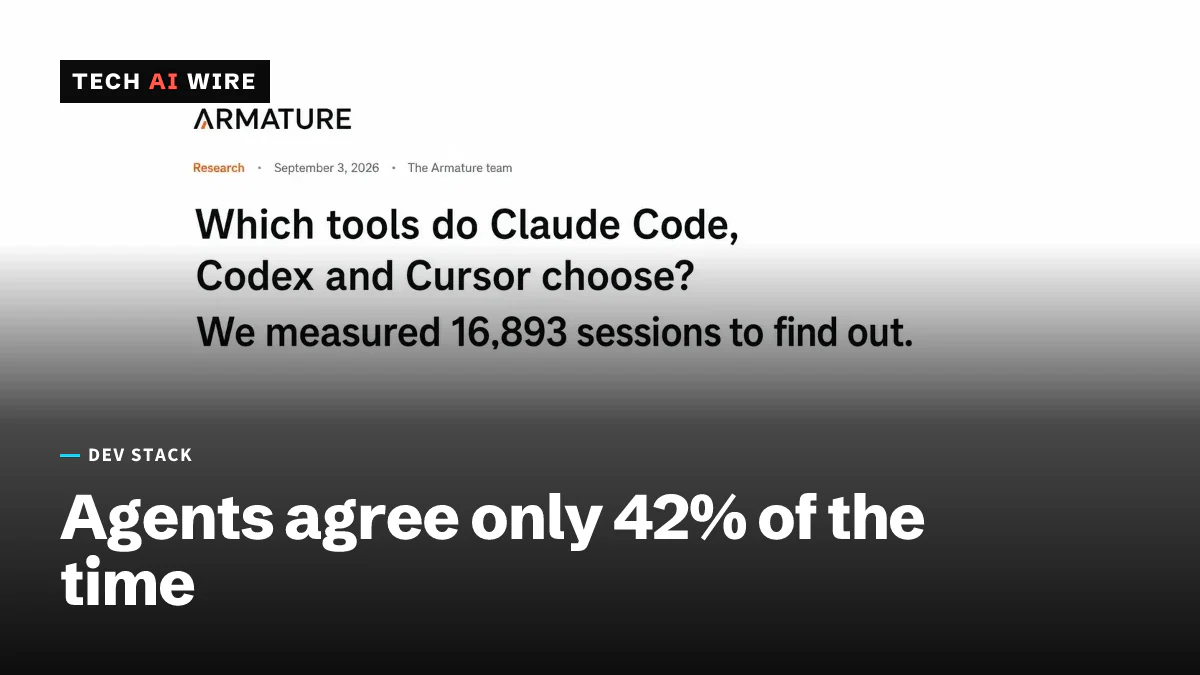
Claude Code, Codex, and Cursor agree on a tool only 42% of the time
A study of 16,893 coding-agent sessions found Claude Code, Codex, and Cursor pick the same third-party tool only 42% of the time. Stripe beat PayPal in every session where both qualified.
The weekly digest
One email every Friday with the week's top stories from all six desks: AI, dev tools, coding, the tech industry, startups and what's next. Free, no spam.