Claude Code permissions, explained
Claude Code checks deny, then ask, then allow rules, and a narrow allow never beats a broad deny. Six Tech AI Wire tests show where the rules stop.
5 min read
Drafted with AI from the sources linked in this article, then fact-checked and edited by Claire Whitmore before publishing. How we work
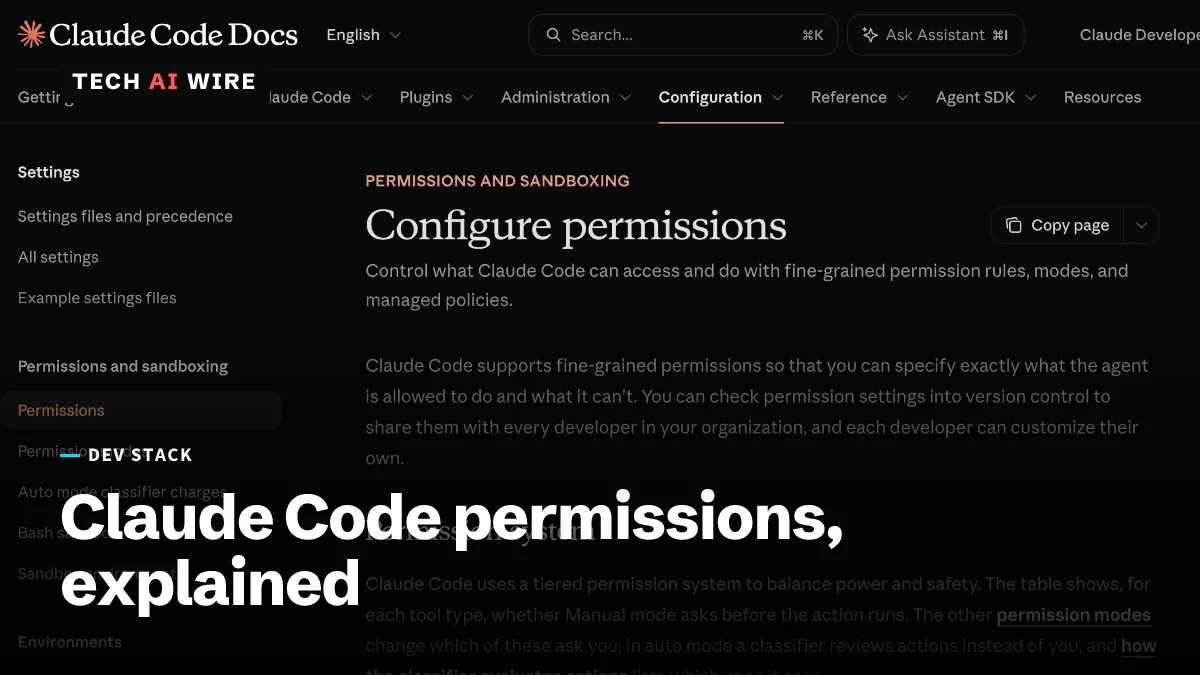
Claude Code permissions are the rules that decide what Anthropic's coding agent may do on its own. They also say what it must ask about first, and what it may never do. They live in JSON settings files as three lists: allow, ask and deny. A permission mode sets what happens to anything no rule matches. Getting them wrong either buries you in prompts or lets the agent run commands you never meant to approve.
How Claude Code permissions work
Each rule names a tool, with an optional pattern in brackets. Bash(npm run test *) matches any shell command that starts with npm run test. Read(./.env) matches one file. WebFetch(domain:example.com) matches one website. A bare tool name, such as Bash, matches every use of that tool.
The order matters most. Anthropic's permissions page says: "Rules are evaluated in order: deny, then ask, then allow. The first match in that order determines the outcome, and rule specificity doesn't change the order." So a broad deny such as Bash(aws *) also blocks aws s3 ls, even if a narrower allow names that exact command. In the docs' words, "An allow rule can't carve an exception out of a deny rule."
Not every guide agrees. An April 2026 post on Vincent Qiao's blog says Claude Code "evaluates the most specific rule first." The official page and the Tech AI Wire test below both say otherwise.
Rules come from several files, and their lists are combined rather than replaced. The settings page gives the order for single values, highest first: "managed settings, command line, project local, shared project, user." Managed settings are set by an employer and cannot be overridden. The shared project file, .claude/settings.json, is meant to be committed to Git. The local file, .claude/settings.local.json, is for one person and stays out of Git. And a deny in any file wins, since "deny rules from any scope are evaluated before allow rules."
The six permission modes
A mode is the fallback for calls that no rule matches. Claude Code 2.1.325 accepts six on its --permission-mode flag. This table sums up each one from Anthropic's docs.
| Mode | What runs without asking | Best for |
|---|---|---|
default (shown as Manual) | Reads; every other tool prompts on first use | Unfamiliar repos |
acceptEdits | Reads, file edits, and mkdir, touch, mv, cp in the working folder | Edit-heavy sessions you watch |
plan | Reads and read-only shell commands; no edits to source files | Planning before changes |
auto | Everything, with a background check on shell and network actions | Long tasks you trust |
dontAsk | Only pre-approved tools; anything that would prompt is denied | Scripts and CI |
bypassPermissions | Everything except actions no mode auto-approves | Isolated containers and VMs only |
Deny rules still block in every mode, including bypassPermissions, according to the permission modes page.
Tech AI Wire test: six rules, six results
The test ran on November 18, 2026, on macOS 26.6 with Claude Code 2.1.325, in an empty Git folder. Each run used claude -p with --permission-mode dontAsk, so a call that would prompt was denied instead. The --settings flag supplied the rules, and --setting-sources local kept the machine's own settings out. The Haiku model was asked to run one command, and the JSON output was checked for permission_denials.
| Test | Rules | Command | Result |
|---|---|---|---|
| A | allow Bash(echo hello) | echo hello | Ran |
| B | allow Bash(echo hello), deny Bash(echo *) | echo hello | Denied |
| C | allow Bash(echo hello), ask Bash(echo *) | echo hello | Denied |
| D | no rules | echo hello | Ran |
| E | allow Bash(cat *), deny Read(./secret.txt) | cat secret.txt | Denied |
| F | allow Bash(python3 *), deny Read(./secret.txt) | python3 -c "print(open('secret.txt').read())" | Ran, printed the file |
Tests B and C confirm the order: the broader deny and ask both beat the exact allow. Test D ran with no rules at all, because echo is in Claude Code's built-in set of read-only commands. Test E shows a Read deny also covers cat. The docs say the same for head, tail, sed and tee.
Test F is the gap. The docs warn that file denies do not reach "a Python or Node script that opens files itself." Here, a one-line Python script read the "denied" file and printed it.
What changed and when
Permissions have changed often in 2026. Version 2.1.257 stopped bypassPermissions from taking effect in project or local settings, according to the settings page. Since 2.1.283, auto is the default mode for interactive terminal and VS Code sessions. Since 2.1.302, claude -p runs with no mode set start in Manual instead.
Tech AI Wire has covered the settings around these rules. Claude Code began adding a session link to commits by default in August. It started reading AGENTS.md as a fallback in version 2.1.277. The Tech AI Wire guide to Claude Code plugins covers extensions, which add tools that need rules of their own. The mcp__<server>__<tool> form names a tool from an MCP server, a plugin-style tool source.
What this means for developers
Write deny rules for what must never happen, and keep them broad: Bash(git push *) rather than one branch name. A broad deny cannot be undone by a narrow allow, so you cannot create exceptions inside it. Use ask for actions you want to review, since an ask also beats a matching allow.
Do not treat a Read deny as protection for a secret. Test F shows any script the agent may run can still open the file. The docs say a Bash rule "isn't a security boundary around the program." For real limits, add the sandbox, which restricts what shell commands can reach at the operating-system level. Better still, keep secrets out of the project folder.
Check your settings into Git as .claude/settings.json so the whole team gets the same denies. Keep personal approvals in settings.local.json. For CI jobs, use dontAsk with an explicit allow list, so an unexpected command fails instead of hanging on a prompt. Reserve bypassPermissions for throwaway containers.
Sources
- Configure permissions - Claude Code Docs
- Claude Code settings - Claude Code Docs
- Choose a permission mode - Claude Code Docs
- Claude Code Permission Rules & settings.json Guide - AI Arte
- Claude Code settings.json Permissions: Control Exactly What AI Can Do - Vincent's Blog
Related articles
Claude Code extension on Cursor planted SSH backdoors
Tampered Claude Code extension builds 2.1.312 and 2.1.313 sat in Cursor's marketplace for about 11 hours on October 29, adding an SSH key and a reverse tunnel.
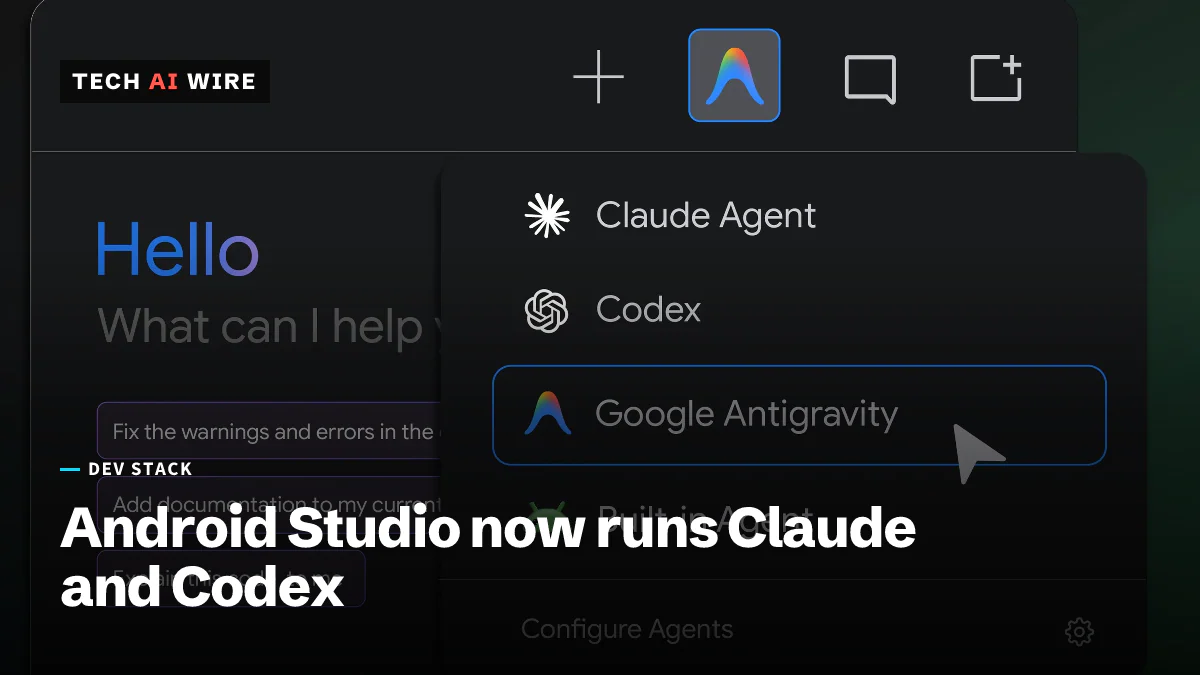
Android Studio Rabbit 2 opens the IDE to 40+ agents
Android Studio Rabbit 2 is stable with 40+ outside coding agents, Claude and Codex among them. Android CLI now installs as a plugin for both.
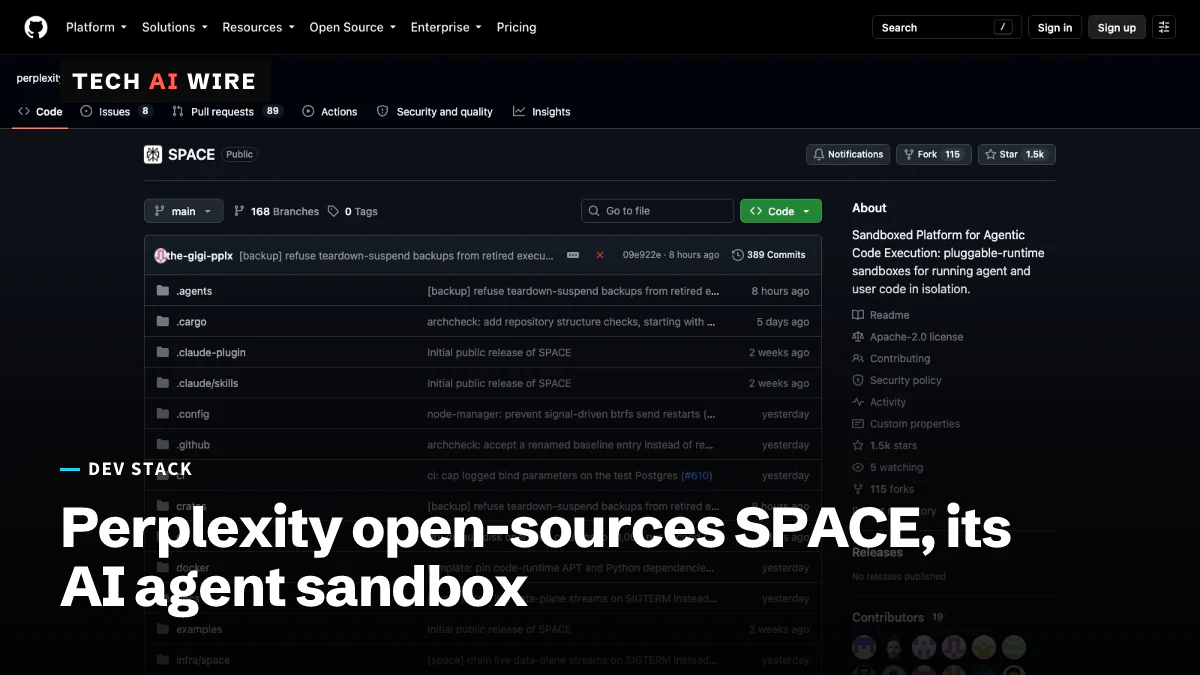
Perplexity SPACE sandbox for AI agents goes open source
Perplexity released SPACE, the Firecracker sandbox behind its Computer agent, under Apache 2.0 on October 15. Its own tests found 0 escapes in 108 tries.
The weekly digest
One email every Friday with the week's top stories from all six desks: AI, dev tools, coding, the tech industry, startups and what's next. Free, no spam.