Claude Code plugins, explained
What Claude Code plugins add, how /plugin installs them, and a hands-on test of version 2.1.317's validator, which flags 2 problems in a bare plugin.
6 min read
Drafted with AI from the sources linked in this article, then fact-checked and edited by Claire Whitmore before publishing. How we work
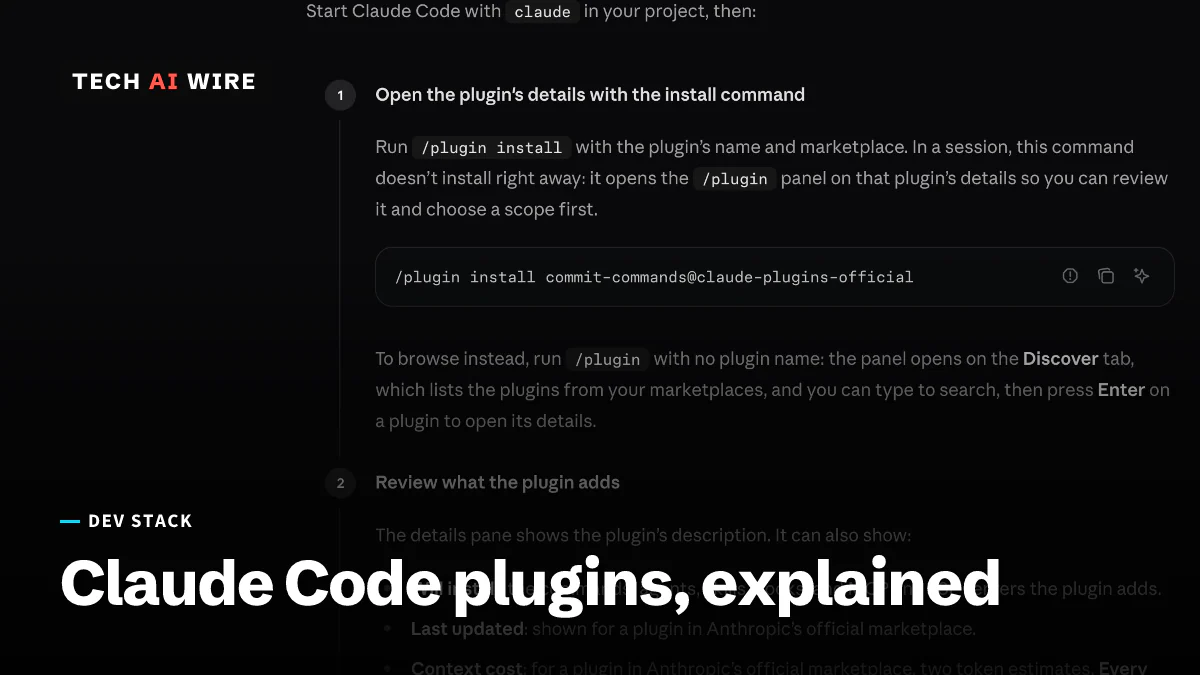
A Claude Code plugin is a folder that adds skills, agents, hooks, MCP servers and other parts to Claude Code, Anthropic's command-line coding agent. Plugins come from marketplaces, which are catalogs you add from a GitHub repository, a git URL or a local folder. Anthropic's guide to installing plugins tells readers to check what a plugin adds before installing it, because a plugin can run hooks and MCP servers.
This guide follows Claude Code 2.1.317, released on November 2, 2026. It covers what a plugin can contain, the commands that install and remove one, and what the built-in validator checks, tested on a Mac.
How Claude Code plugins work
Every plugin has a manifest, a small JSON file at .claude-plugin/plugin.json. Only its name field is required, according to Anthropic's plugins overview. Everything else is optional, and each part lives in its own place:
| Part | Where it lives | What it does |
|---|---|---|
| Skills | skills/<name>/SKILL.md | Instructions for a task, run as /<plugin>:<name> |
| Agents | agents/<name>.md | Helper agents Claude can hand work to |
| Hooks | hooks/hooks.json | Scripts that run at set moments, such as before a tool runs |
| Mods | a modules entry in hooks/hooks.json | JavaScript that can draw panes and add commands |
| MCP servers | .mcp.json | Outside tools, connected over the Model Context Protocol |
| LSP servers | .lsp.json | Language helpers of the kind code editors use |
MCP, the Model Context Protocol, is a standard way to connect outside tools to an AI agent. The docs put mods plainly: a plugin with a hooks module "is called a mod."
Plugins reach you through marketplaces. Anthropic's own is called claude-plugins-official, and Claude Code adds it automatically the first time you start an interactive terminal session. The community catalog, claude-community, is not added automatically. Claude Code accepts official and community catalog names only from repositories under github.com/anthropics/. A copy hosted anywhere else stops loading with the error "Marketplace is registered from an untrusted source."
How to install, enable and remove a plugin
Each action has two forms: a /plugin command inside a Claude Code session, and a claude plugin command in a normal terminal. The table below combines Anthropic's documentation with the help text of version 2.1.317.
| Action | Inside a session | In a terminal |
|---|---|---|
| Add a marketplace | /plugin marketplace add <source> | claude plugin marketplace add <source> |
| Install | /plugin install <plugin>@<marketplace> | claude plugin install <plugin>@<marketplace> |
| Turn on or off | Installed tab, then the Space key | claude plugin enable <plugin> or disable |
| Update | Installed tab, then "Update now" | claude plugin update <plugin> |
| Remove | Installed tab, then Uninstall | claude plugin uninstall <plugin> |
| Inspect | Installed tab | claude plugin details <name> |
Inside a session, /plugin install does not install right away. It opens a details panel, so you can review the plugin and pick a scope first. The terminal command installs at once, at user scope unless you add --scope.
A scope decides who gets the plugin:
- User writes to
~/.claude/settings.jsonand turns the plugin on in every project on your machine. - Project writes to
.claude/settings.json, a file you commit so collaborators share it. - Local writes to
.claude/settings.local.jsonand applies to you in one repository only.
When scopes disagree, local beats project, and project beats user. Settings an organization manages override all three. No single command updates every plugin at once, and /reload-plugins applies changes to a running session. Updates arrive automatically for Anthropic's official marketplace but are off by default for third-party ones.
A hands-on test of the plugin commands
In a Tech AI Wire test on macOS 26.6.2 with Claude Code 2.1.317, claude plugin --help listed 15 subcommands, from configure to validate. Three commands show what a plugin does before it touches a project:
claude plugin details cc-plugin-you-should-know@builtin
claude plugin validate ./hello-check
claude plugin validate ./broken-check
The first command inspected "You should know," the opt-in side agent that arrived in Claude Code 2.1.287. It listed zero skills, agents, hooks, MCP servers and LSP servers. Its projected always-on cost was "~0 tok added to every session."
The second command checked a minimal test plugin: a manifest with a name, version and description, plus one skill. It passed with one warning, for a missing author. It also listed two problems that would stop a submission to Anthropic's plugin directory: no README.md of at least 40 words, and no LICENSE file or license field. A missing icon was only a warning. The icon must be a square PNG or JPEG, 512 to 2,048 pixels per side and under 2 MB.
The third command used the same plugin with its name field deleted. Validation failed with exit code 1 and the message "name: Invalid input: expected string, received undefined." The directory checks change the result only when you add --profile directory. The tool also notes that the directory "runs a safety scan and a policy review that this command does not."
What changed and when
Plugin features have landed in a steady run of releases since September. These dates are when each version reached npm, the JavaScript package registry:
| Version | Published | What changed for plugins |
|---|---|---|
| 2.1.273 | September 15, 2026 | Adding marketplaces hosted on claude.ai |
| 2.1.275 | September 17, 2026 | Add a marketplace and install in one session command |
| 2.1.287 | October 1, 2026 | Claude Mods and the "You should know" side agent |
| 2.1.292 | October 6, 2026 | The same one-step install from a terminal |
| 2.1.302 | October 16, 2026 | A fix for marketplaces re-cloning on every refresh |
| 2.1.317 | November 2, 2026 | The plugin-authoring skill offers to help share a working mod |
Marketplaces are also a target. On October 29, tampered builds of a Claude Code extension sat in Cursor's marketplace for about 11 hours and added an SSH key. That was an editor extension, not a Claude Code plugin, but the lesson about trusting a catalog is the same.
What this means for developers
Treat a plugin like any other code you download. Anthropic's plugin security page says a plugin "can execute arbitrary code on your machine with your user privileges." It adds that the permission rules and sandbox "cover the tool calls Claude makes, not the code a plugin runs by itself." Read the "Will install" list in the details pane. Then check hooks/hooks.json, .mcp.json and any bin/ folder before you install.
Check the cost, too. claude plugin details shows how many tokens a plugin adds to every session, so a heavy plugin is easy to spot before you turn it on.
For a team, put extraKnownMarketplaces and enabledPlugins in the repository's .claude/settings.json and commit it. Those entries apply only in folders Claude Code trusts. Teammates still run the install command once for plugins from outside sources.
Companies can go further with managed settings. A strictKnownMarketplaces allowlist limits which catalogs load, and an empty list blocks every source, including Anthropic's own. Setting a plugin to false in managed enabledPlugins blocks it at every scope.
A company catalog does not have to live on GitHub. LiteLLM's documentation shows its AI gateway serving one, where admins pick the plugins and engineers add the catalog with a single claude plugin marketplace add command. The same page warns against putting the catalog's access key in a project's .claude/settings.json, because that file is often committed to the repository.
Plugin authors should run claude plugin validate --profile directory before submitting. In the Tech AI Wire test, a missing README and a missing license were the two problems the directory refuses.
Sources
- Install and manage plugins - Claude Code Docs (Anthropic)
- Plugins overview - Claude Code Docs (Anthropic)
- Plugin security and trust - Claude Code Docs (Anthropic)
- Manage Claude Code plugins for your organization - Claude Code Docs (Anthropic)
- Claude Code changelog - Anthropic on GitHub
- Claude Code Plugin Marketplace (Managed Skills) - LiteLLM
Related articles
Claude Code 2.1.317 widens its game-recreation rule
Claude Code 2.1.317 widens its rule against recreating existing games. A Tech AI Wire check of four builds shows when the rule arrived and what changed.
Claude Code 2.1.287 adds Claude Mods for deeper plugins
Claude Code 2.1.287, out October 1, lets plugins change the agent's deeper behavior through Claude Mods and adds an opt-in side agent that flags mistakes.
Claude Code AGENTS.md support needs telemetry turned on
Claude Code 2.1.277's AGENTS.md support sits behind a remote feature flag, so it silently stops working when telemetry is off, a GitHub issue shows.
The weekly digest
One email every Friday with the week's top stories from all six desks: AI, dev tools, coding, the tech industry, startups and what's next. Free, no spam.