Windows 11 26H2 ships as a small enablement package
Windows 11 26H2 installs on 24H2 and 25H2 PCs like a monthly update and resets support to 24 months, nine days before 24H2 Home and Pro lose updates.
3 min read
By the numbers
- of support for Home and Pro editions
- 24 months
- of support for Enterprise and Education
- 36 months
- last update date for 24H2 Home and Pro
- Oct 13
Microsoft began rolling out Windows 11 version 26H2, the Windows 11 2026 Update, on September 29, 2026. It arrives as a small enablement package for PCs on versions 24H2 and 25H2, so it installs much like a monthly update. The timing matters: 24H2 Home and Pro editions stop receiving updates on October 13, 2026, gHacks reports.
What an enablement package is
An enablement package is a tiny update that switches on code a PC already has. Pureinfotech, a Windows site, notes that many 26H2 features and improvements already arrived through regular cumulative updates. The package activates version 26H2 without reinstalling Windows.
"Moving to version 26H2 is as simple as installing a small enablement package," Microsoft says in its announcement. It takes a small download and a single restart.
BleepingComputer quotes Microsoft describing the model: "Supported devices get this feature update as a small enablement package instead of a full OS replacement." It adds that the move is similar to a regular monthly update in most environments.
What changes
gHacks reports that 26H2 brings no new features of its own. Instead it turns on, by default, features delivered earlier through monthly updates. Microsoft says some of these were off by default in 25H2.
The features named by gHacks and BleepingComputer are:
- Windows settings backup
- App-specific actions in the taskbar
- File Explorer improvements
- New Start menu options
BleepingComputer notes that these defaults apply to commercial PCs, the ones managed by businesses.
Who can get it, and when
The update is offered to PCs on 24H2 and 25H2. PCs on 26H1 cannot move to it directly, because that release runs on a different Windows core, according to gHacks and BleepingComputer.
Microsoft is using a controlled feature rollout, so not every PC sees the update at once. It may also apply safeguard holds, which block the update on PCs with known compatibility problems. gHacks says users can ask for it by checking Settings > Windows Update.
Pureinfotech reports that the hardware requirements have not changed from 24H2 and 25H2. Besides Windows Update, it lists the ISO file, the Installation Assistant and the Media Creation Tool as ways to upgrade.
Support dates
Installing 26H2 resets the support clock. Home and Pro editions get 24 months of updates. Enterprise and Education editions get 36 months. Microsoft now ships one such release a year, in the second half of the calendar year.
The deadline for older PCs is close. gHacks reports that Windows 11 24H2 Home and Pro reach their end of updates on October 13, 2026. That is also the Patch Tuesday when Microsoft starts turning on memory integrity by default on eligible PCs.
What this means for developers
If you run Windows 11 24H2 Home or Pro, move to 26H2 or 25H2 before October 13. After that date, a 24H2 Home or Pro PC stops getting security fixes. Check with winver from the Run box, which shows the installed version.
Test your apps against the new defaults. Settings backup, taskbar actions and File Explorer changes are now on for managed PCs. Apps that hook into the shell or File Explorer should get a quick check on a 26H2 test machine.
IT teams should plan the rollout like a monthly update, not a full upgrade. A small download and one restart mean little downtime. Watch Microsoft's release health page for safeguard holds before pushing it to every PC.
Keep 26H1 machines on their own track. They cannot take this package, so they need separate planning.
Sources
- How to get the Windows 11 2026 Update - Windows Experience Blog
- Windows 11 2026 Update released, here's everything you need to know - BleepingComputer
- Microsoft Releases the Windows 11 2026 Update, Version 26H2, as a Small Enablement Package - gHacks
- Windows 11 26H2 officially released on September 29, 2026 - Pureinfotech
Related articles
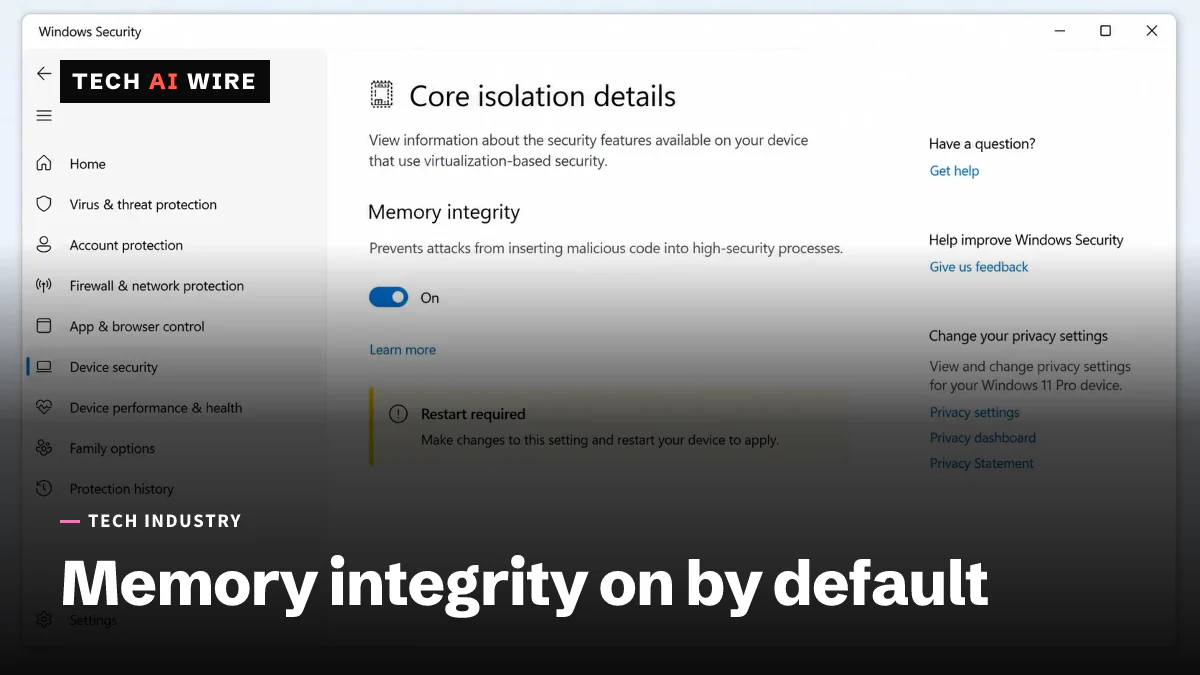
Windows 11 turns on memory integrity by default from October 13
Microsoft will switch on Windows 11's kernel protection automatically on eligible PCs from the October 13 Patch Tuesday. Old drivers are the thing most likely to break.
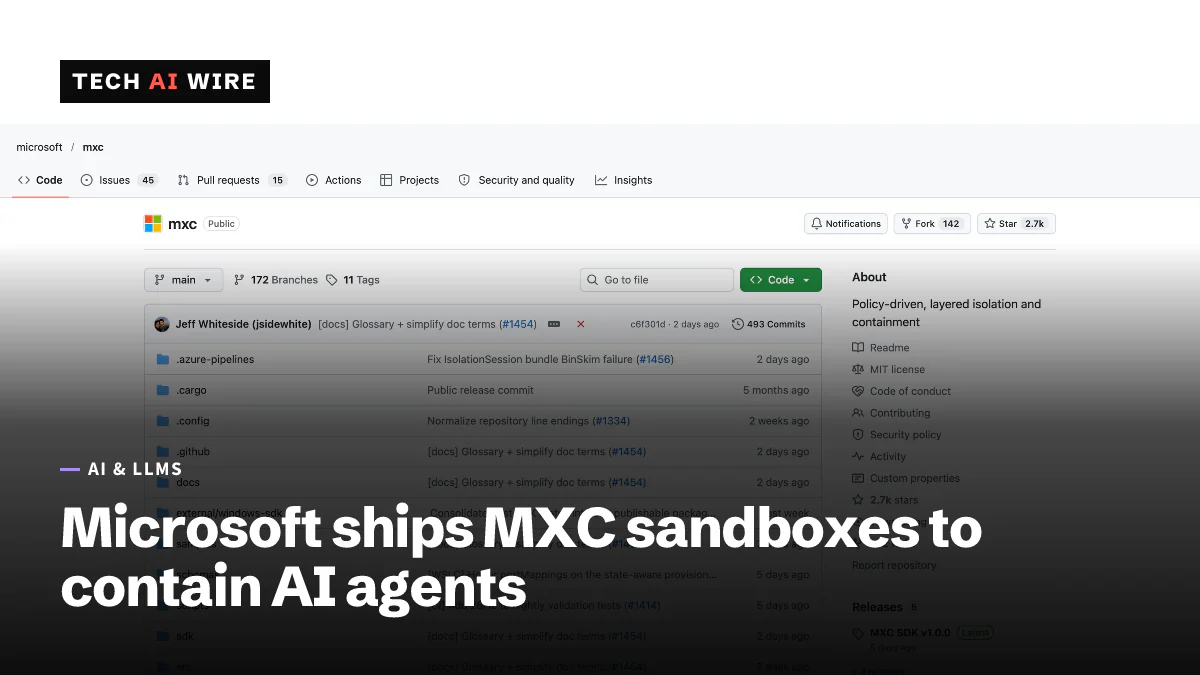
Microsoft Execution Containers for AI agents reach GA
Microsoft Execution Containers, generally available since October 7, wall AI agents off from files and networks on Windows 11, macOS and Linux.
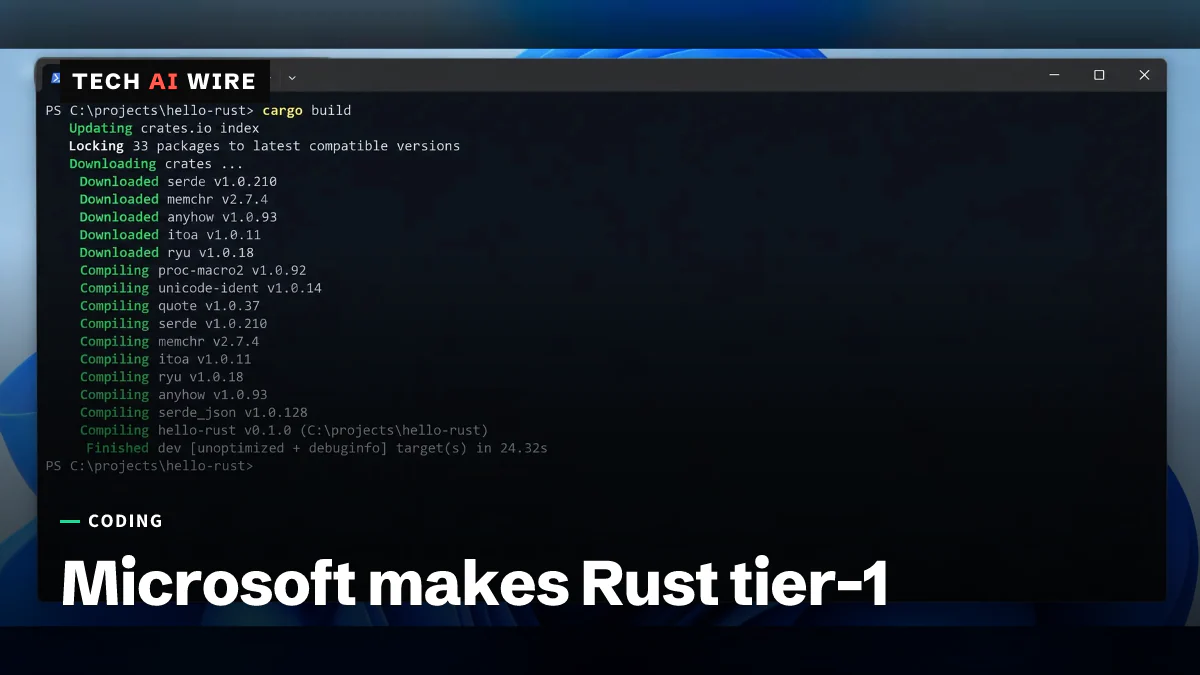
Rust is now a tier-1 language at Microsoft
Microsoft made Rust a tier-1 language beside C++, C# and TypeScript. More than 100 of its repositories now build Rust code.
The weekly digest
One email every Friday with the week's top stories from all six desks: AI, dev tools, coding, the tech industry, startups and what's next. Free, no spam.