GTK 4.24 sharpens fractional scaling and frame timing
GTK 4.24 snaps content to whole screen pixels for sharper fractional scaling, reworks the frame clock, and pushes session restore back to 4.26.
3 min read
Drafted with AI from the sources linked in this article, then fact-checked and edited by Claire Whitmore before publishing. How we work
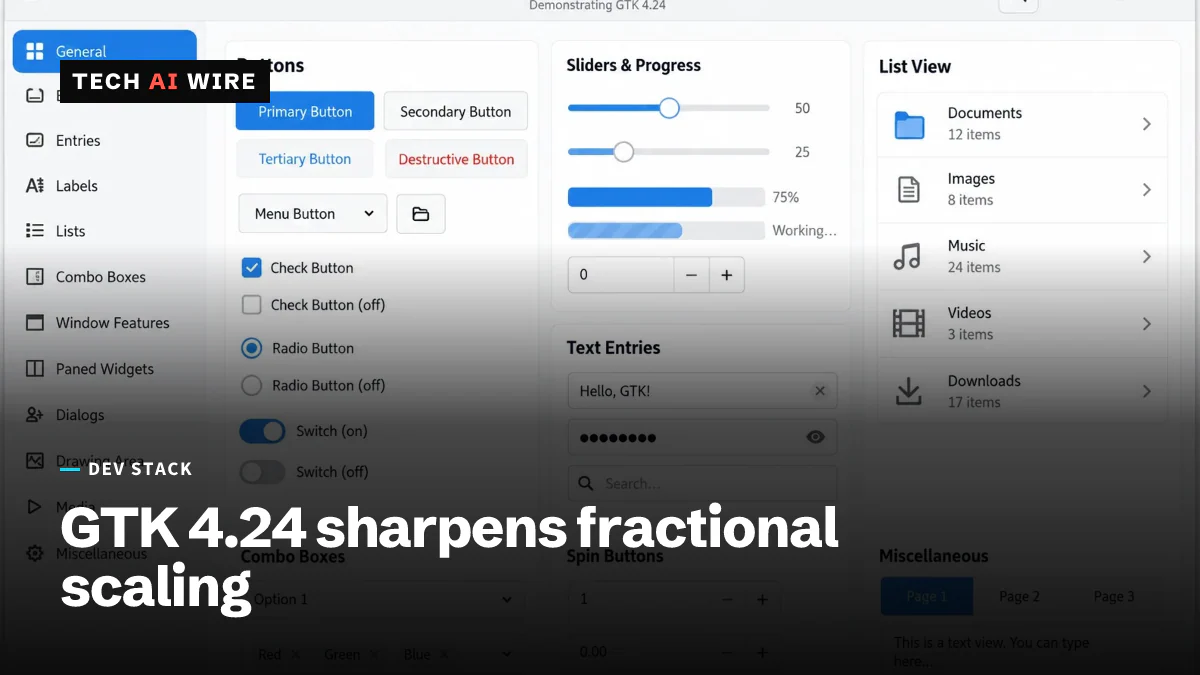
GTK 4.24 is out, and it targets two things desktop app developers complain about most. Fractional display scaling now snaps content to whole screen pixels. The timer that decides when to draw each frame has been rebuilt. Matthias Clasen tagged the 4.24.0 release in the GNOME GitLab on September 11, 2026, and Phoronix reported it the next morning.
GTK is the toolkit that draws the windows, buttons and menus for the GNOME desktop and for apps like GIMP. A release like this one changes how your app looks and feels without you touching your own code. It arrives a week before GNOME 51.
What changed in this release
Phoronix lists these changes in GTK 4.24.
| Change | What it does |
|---|---|
| Fractional scaling | Snaps contents to device pixel boundaries |
| GDK frame clock | Reworked for more precise timing and fewer dropped frames |
| ext-background-effect | Adds the Wayland protocol for blurred window backgrounds |
| Text input v3.2 | Adds the newer Wayland protocol for input methods |
| SVG support | Significantly improved |
| Session save and restore | Postponed to GTK 4.26 |
Two of those names need unpacking. Wayland is the display system that has replaced X11 on most Linux desktops. A Wayland protocol is an agreed rule for how an app and the desktop talk to each other. The ext-background-effect protocol is the one that lets a window ask the desktop to blur whatever sits behind it.
Why pixel snapping matters
A device pixel is one real dot on your screen. Fractional scaling means running a display at a fraction, such as 125% or 150%, rather than at 100% or 200%.
The awkward part is arithmetic. At 150%, a box that is 101 units wide lands on 151.5 device pixels. Half a dot does not exist, so the edge has to be spread across two of them. Snapping contents to device pixel boundaries means GTK rounds those positions to whole dots before drawing.
The frame clock change sits next to it. The frame clock is the timer that tells your app when to paint the next frame. Phoronix describes the rework as improving timing precision and reducing frame drops. Both changes are about the same goal, which is making a window look right while it moves.
What this means for developers
Test your app at 125% and 150% before your users do. Pixel snapping changes where edges land, so anything you positioned by hand is worth a second look. Watch thin dividers, single-pixel borders, and icons you drew to line up with a grid. A layout that looked correct against the old rounding can shift by a dot under the new one.
Do not plan around session save and restore yet. It is the feature that would let your app reopen where the user left it, and the GTK team has moved it to 4.26. If you were waiting on it, you are waiting at least one more cycle. Keep saving your own window state in the meantime.
The blur protocol is worth a look only if you already wanted it. The ext-background-effect support means your window can ask the compositor to blur what is behind it, rather than faking the effect yourself. Ask for it, then check what happens when the compositor says no. Not every desktop implements every protocol, and a translucent panel that assumes blur will look wrong without it.
Time your upgrade against GNOME 51, which lands next week and which recently added custom pointer acceleration profiles. Users on that release will get GTK 4.24 underneath whether or not you shipped anything. Run your app against both now, so a bug report from next week is one you have already seen.
The improved SVG support is the quiet entry on the list. Phoronix does not break down what changed, so treat it as a reason to re-test your vector icons rather than as a specific fix. Scalable vector graphics stay sharp at any size, which is exactly why they are the assets most likely to look different after a rendering change.
Sources
- GTK 4.24 Released With Better Fractional Scaling, More Precise GDK Frame-Clock - Phoronix
- GTK 4.24.0 release tag - GNOME GitLab
Related articles
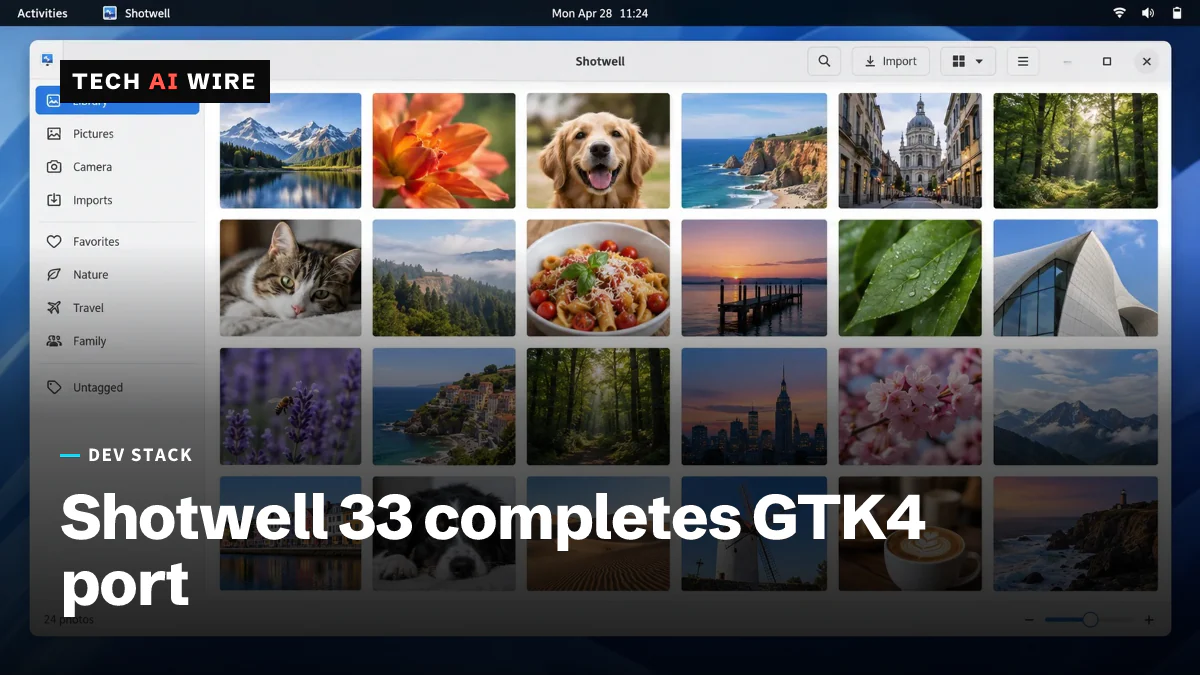
Shotwell 33 finishes its GTK4 port after three years
Shotwell 33 is the GNOME photo manager's first major release since 0.32 in April 2023, and the GTK4 move restores drag-and-drop export on Wayland.
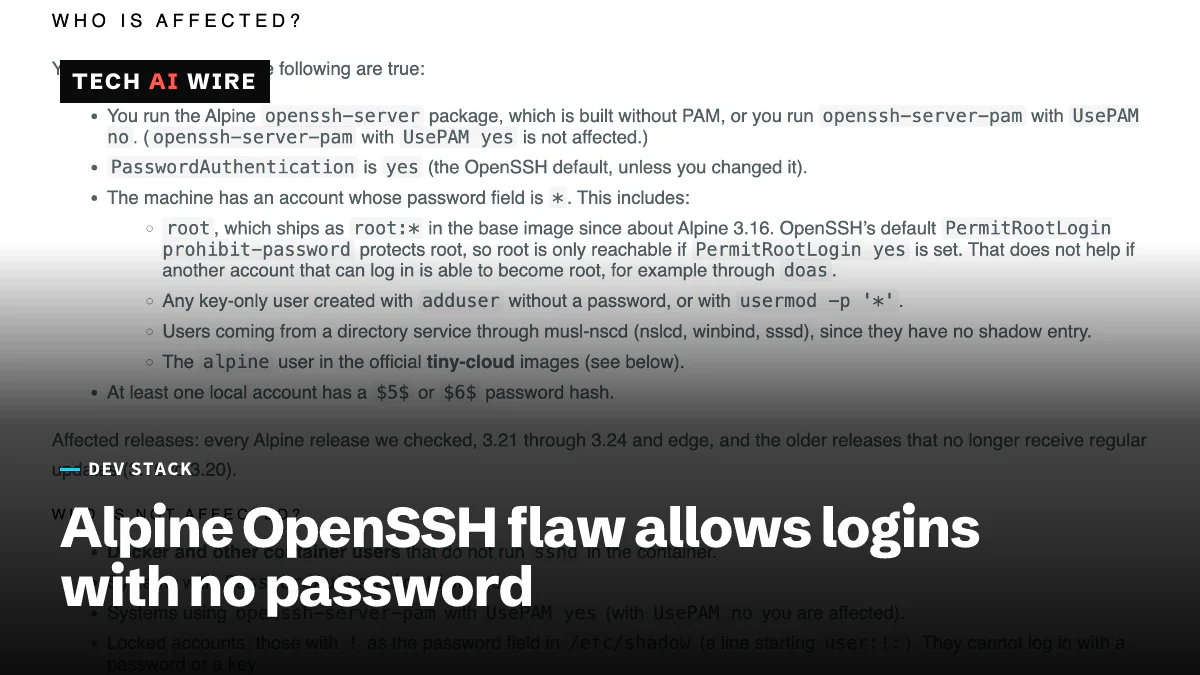
OpenSSH 10.6p2 fixes Alpine Linux password bypass
OpenSSH 10.6p2 and Alpine fixed an SSH login that needs no password on November 5. A Tech AI Wire test of five Alpine images shows who is exposed.
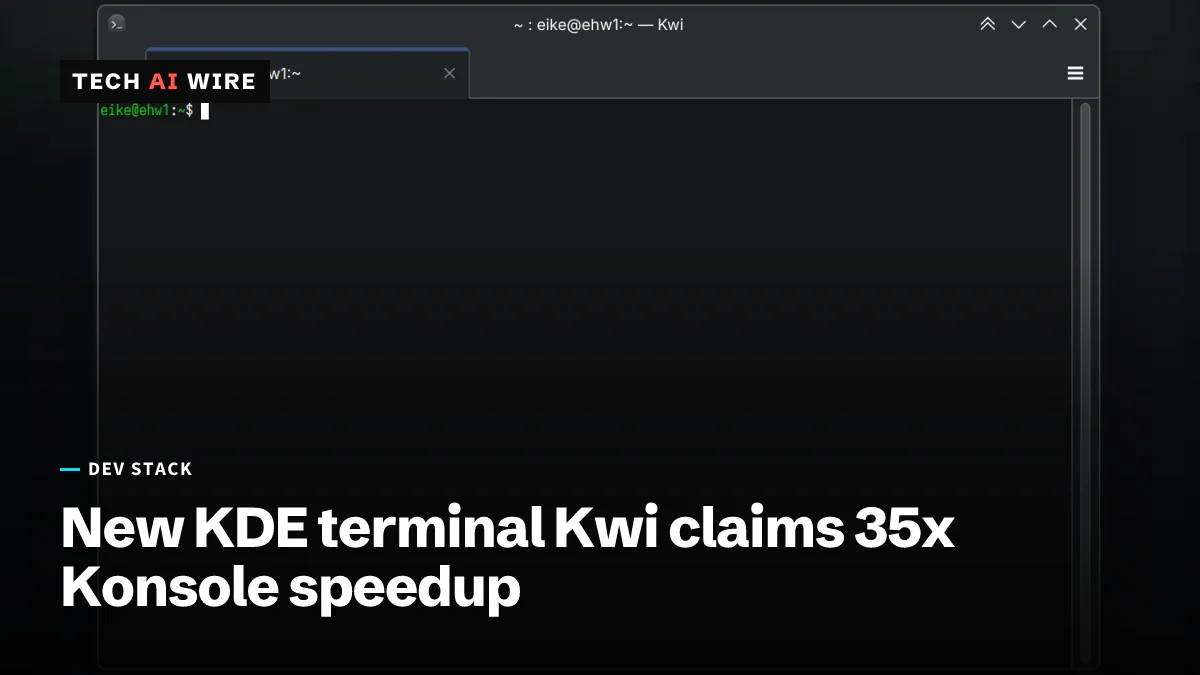
Kwi, KDE's new terminal, claims 3x-35x Konsole speedup
KDE developer Eike Hein unveiled Kwi on November 1, a GPU-rendered terminal built on Ghostty's libghostty-vt that he says runs 3x-35x faster than Konsole.
The weekly digest
One email every Friday with the week's top stories from all six desks: AI, dev tools, coding, the tech industry, startups and what's next. Free, no spam.