DeepSeek Harness Desktop arrives for macOS and Windows
DeepSeek's MIT-licensed Harness agent now ships as an official desktop app for Apple-silicon Macs and 64-bit Windows, with no Node.js install needed.
3 min read
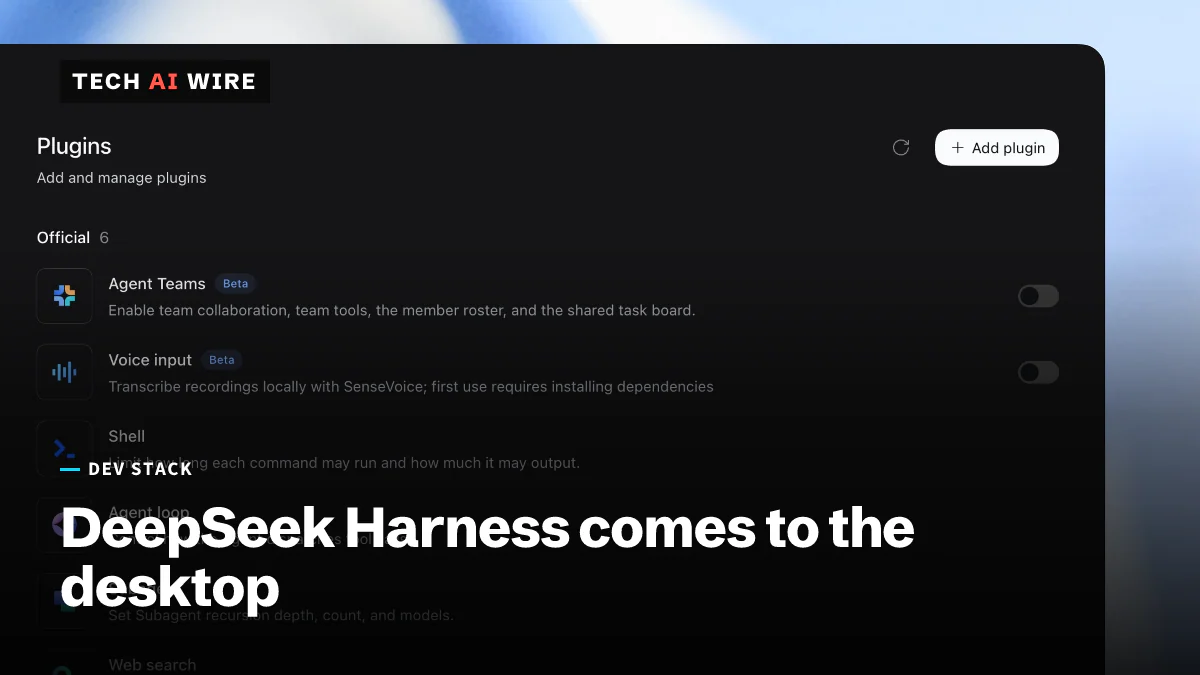
DeepSeek has released an official desktop app for DeepSeek Harness, its open-source agent runtime, on macOS and Windows, RuntimeWire reported on September 30, 2026. The app bundles everything the agent needs, so users no longer install Node.js or run terminal commands first. That makes an agent that runs code and edits local files a one-click install, which raises both its reach and its risks.
DeepSeek released Harness on August 13, 2026, under the MIT license. Its design lets every part of the agent be swapped out as a plugin, as Tech AI Wire reported at launch. Until now, running it meant setting it up by hand.
What the DeepSeek Harness desktop app does
DeepSeek's product page pitches the app as an assistant for everyday work on your own files. It can work with local documents, data and slides. It can organize files, analyze data and draft documents.
It also runs jobs on its own. DeepSeek lists running scripts, batch-processing files, scheduled tasks and file processing in the background. Under the hood it has tools for file operations, bash commands and data analysis, plus the plugin system Harness is built around.
RuntimeWire adds coding to that list. It says the app can write and test code, analyze spreadsheets, do research and edit local files.
Requirements and downloads
The app is a free developer preview. The details:
| Item | Detail | Source |
|---|---|---|
| macOS | Apple silicon, macOS 13 or later | DeepSeek, RuntimeWire |
| Windows | 64-bit | DeepSeek |
| Node.js | Not needed; the runtime is bundled | RuntimeWire |
| License | MIT | DeepSeek, RuntimeWire |
| Price | Free developer preview | RuntimeWire |
| Downloads | dsh-latest-macos-arm64.dmg and dsh-latest-windows-x64.exe | DeepSeek |
Both installers are served from download.deepseek.com, according to DeepSeek's page. It lists no Intel Mac or Linux build.
What DeepSeek collects, and what it warns about
The app sends data back when you use DeepSeek's own models. For those sessions, DeepSeek collects session logs, including your inputs, the model's outputs, tool calls and plugin settings, RuntimeWire reports. If you plug in a model from another company, your inputs go straight to that provider instead.
DeepSeek's own terms are blunt about the risks. They say the service "can run model-generated code and commands." They also warn that "mistakes, malicious input, or untrusted plugins can damage files or disclose data."
Official app versus community wrappers
DeepSeek's app is not the only desktop version. Community-built wrappers exist too, including one called DSH Desktop. ScriptByAI describes it as "an independent community desktop wrapper" and says it supports many model providers besides DeepSeek.
Those projects are not from DeepSeek. With an official app now out, the name "DeepSeek Harness Desktop" can point to either one, so check where an installer comes from.
What this means for developers
Download from DeepSeek's domain only. Several unofficial apps use similar names. The official installers come from download.deepseek.com, and anything else is a third-party build.
Give it a sandbox first. The app can run commands and edit files on its own. Try it in a separate user account or a test folder before pointing it at real work, and turn off plugins you have not reviewed.
Decide what you are willing to log. Sessions on DeepSeek's models send your inputs, outputs and tool calls back to the company. For code or documents covered by company policy, use a model provider your team has approved, or keep the app off those projects.
Watch the plugin list. The app's plugin system is its main strength and DeepSeek's own warning names "untrusted plugins" as a risk. Treat each plugin like a dependency: know who wrote it and pin the version.
Expect wider use. A free, one-click app reaches people who would never set up a Node.js project. Teams that build Harness plugins now have a much larger audience, including non-developers.
Sources
- DeepSeek Harness - DeepSeek
- DeepSeek brings its open-source agent runtime to Windows and Mac - RuntimeWire
- DSH Desktop: Run DeepSeek Harness as an Open-source Desktop App - ScriptByAI
Related articles
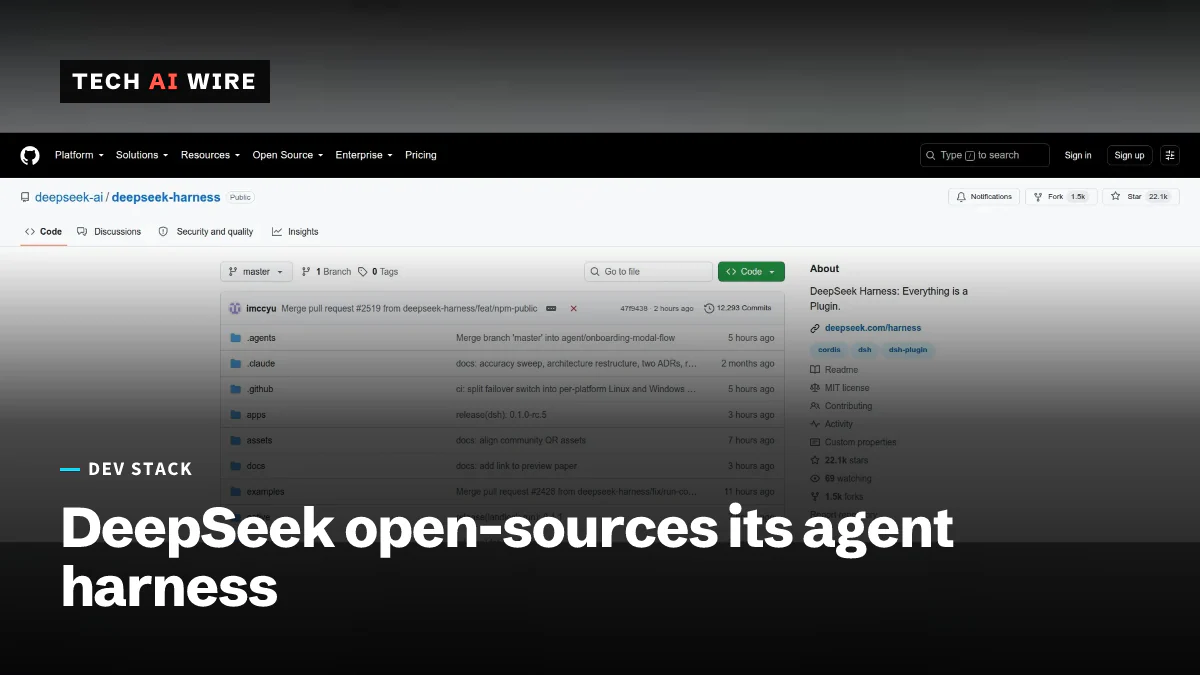
DeepSeek's open-source agent runtime makes everything a plugin
DeepSeek Harness shipped on August 13, 2026 under the MIT license. Its model adapter, tool registry and even the agent loop are all swappable plugins.

Capcom REX plans an AI-ready rebuild of its RE Engine
Capcom unveiled REX on October 2, a staged plan to turn RE Engine, used on 27+ games, into an AI-ready engine. Two of its parts are going open source.
Tools This Week: October 2, 2026 - SvelteKit 3, AG-UI 1.0
Eight new developer tools this week, including SvelteKit 3, Cloudflare's cf CLI, WSL containers and the AG-UI 1.0 agent protocol, with what each costs.
The daily brief
Three to five stories a day, and what each one means for the people who build software. Free, no spam.