Apple tightens macOS Full Disk Access over AI agents
Apple said on October 2 that Mac apps will need "very explicit user action" to get Full Disk Access, because AI agents make that access riskier.
3 min read
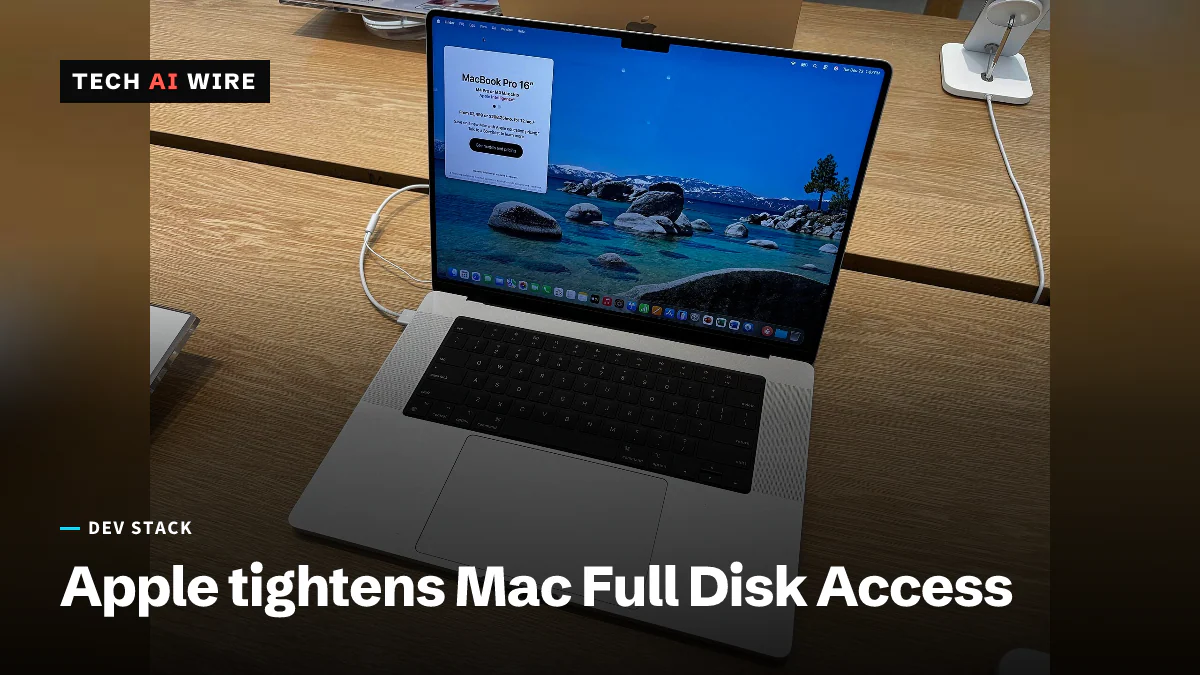
Apple said on October 2, 2026 that it will add new controls to Full Disk Access, the macOS setting that lets an app read almost everything on a Mac. Users will be able to grant it only through "very explicit user action," Apple wrote. The reason it gave is AI agents. Any Mac app that asks users to switch this setting on, agent or not, should expect a harder path to get it.
What Apple said
The announcement is a short post on Apple's developer news site, titled "Updates to Full Disk Access in macOS." It does two things. It warns developers about how some of them use the permission, and it promises new controls.
On the first point, Apple was direct. "Some developers are using Full Disk Access in ways that could put users at risk," the post says. It adds that this can expose files, mail, messages and browsing history without users' full knowledge.
On the second, Apple tied the change to agents directly. "As AI agents become increasingly capable and autonomous, the risks associated with this level of access will grow substantially," the post says. Apple said it wants users to understand those risks before they grant access, so they can make informed decisions about their own data.
What Full Disk Access does
Most Mac apps work inside privacy rules. An app that wants your contacts or calendar has to ask, and macOS shows a prompt. Full Disk Access sits above those rules. Unite.AI describes it as a way for an app to bypass Apple's standard privacy protections and reach nearly all data on the system.
The permission was designed for backup software, according to Unite.AI. A backup tool has a real reason to read every file. The data it covers includes files, mail, messages and browsing history, TechCrunch reports. Today a user grants it by switching an app on in System Settings.
Why now
The post follows two reports about AI apps on the Mac, TechCrunch notes. The first came from Inc. columnist Jason Aten, who wrote that Meta's Muse agent read his private messages without his permission. Tech AI Wire covered that test on September 29. The second was a Wired report on a flaw in ChatGPT's Mac app that could expose sensitive data, according to TechCrunch.
The Muse case also shows the limits of today's announcement. In Aten's test, Full Disk Access stayed switched off throughout, Business Today reported at the time. Tighter rules for Full Disk Access do not, on their own, explain how an app reached data while that switch was off.
What Apple has not said yet
The post gives no macOS version, no date and no technical detail, Unite.AI notes. It does not say what "very explicit user action" will look like in practice.
It also does not say whether apps that already hold the permission will keep it. That matters for every Mac where users switched it on months ago for a tool they have since forgotten.
What this means for developers
First, check whether your Mac app really needs Full Disk Access. Apple's post says some developers use it in ways that put users at risk, so expect the permission to get more scrutiny. If your app only reads files the user picks, ask for those files instead. Narrow permissions will survive whatever Apple ships next.
Second, plan for a harder onboarding flow. If your app walks users through System Settings to switch the permission on, that step will get longer, and some users will stop halfway. Write the screen that explains why your app needs access now, in plain words, before Apple forces the question.
Third, test on every macOS beta from here on. Apple has not named a release, so the change could arrive in any update.
If you manage Macs for a team, open the Full Disk Access list in System Settings under Privacy & Security today. Remove every app that no longer needs it. Then watch whether Apple's change applies to managed Macs, where IT teams approve permissions in advance. Apple's post does not cover that case.
Sources
Related articles
Apple Reference Image signs photos inside the sensor
Reference Image negatives move to deleted photos after 30 days, and EU capture is off at launch. Apple's September 15 post explains the signing chain.
Meta's Muse synced Mac Messages after access was denied
A tester who refused Meta's Muse access to Messages found about 187,000 rows of his Mac message history synced anyway. A separate zero-day hit its Mac app.
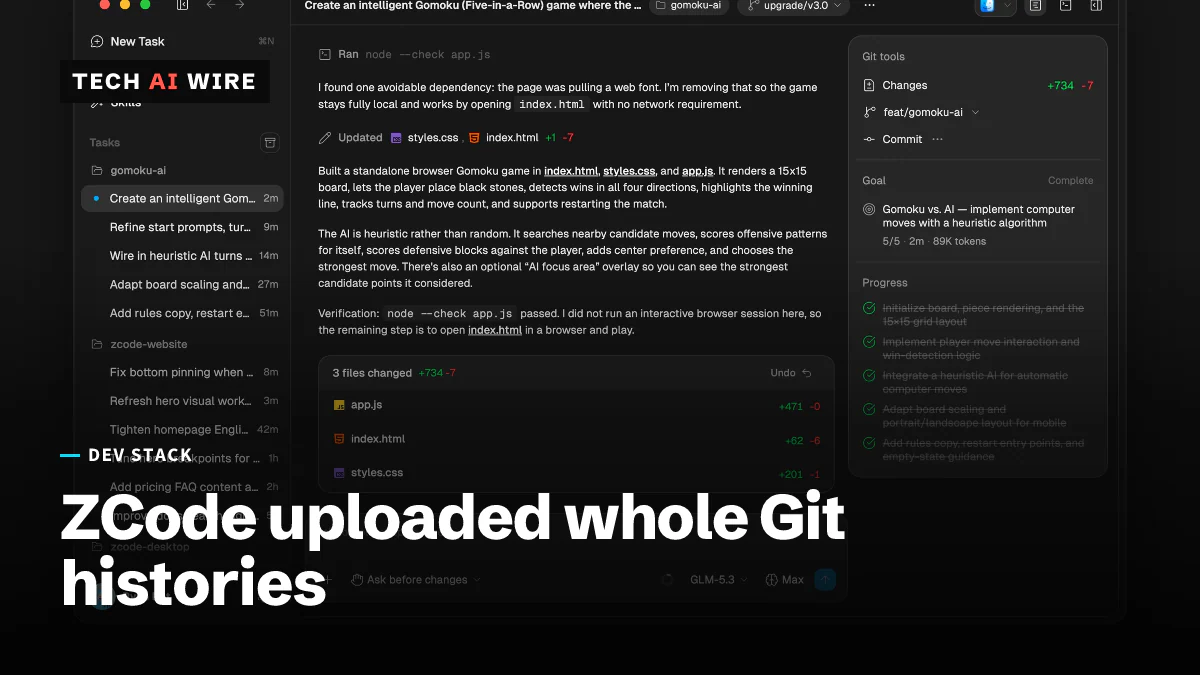
ZCode uploaded whole Git histories; Zhipu apologizes
One snapshot reached 313MB and 42,411 files, and 86.6% of it was the .git directory, sent to cloud storage the user cannot decrypt.
The daily brief
Three to five stories a day, and what each one means for the people who build software. Free, no spam.