Telegram Desktop bug let one click steal session files
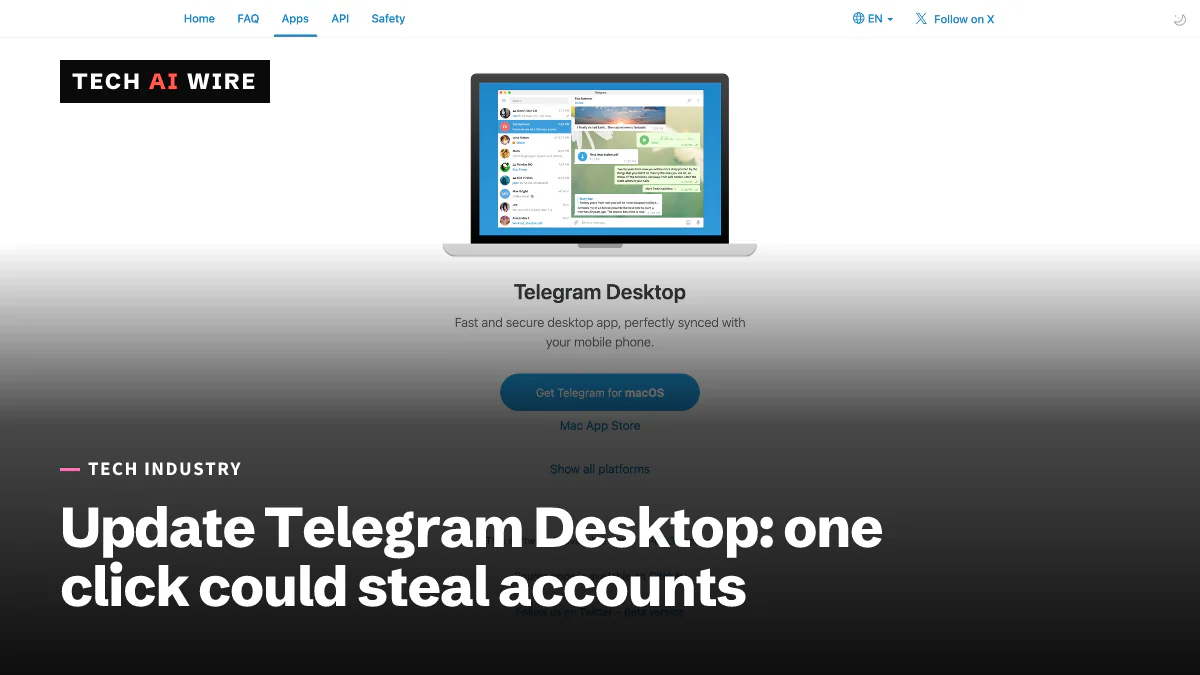
A researcher published a proof of concept for CVE-2026-107181: one click in Telegram Desktop 7.2.8 or older could steal session files. Update to 7.2.9.
3 min read
By the numbers
- CVSS 3.1 score; 8.6 under CVSS 4.0
- 8.1
- first Telegram Desktop version with the fix
- 7.2.9
- date the flaw was reported to the Zero Day Initiative
- June 25
A security researcher has published a working attack for CVE-2026-107181, a Telegram Desktop flaw that let one clicked link steal files from a user's computer. The stolen files could include Telegram's session data, which lets an attacker take over the account. Telegram Desktop 7.2.8 and older are affected, and version 7.2.9 fixes it. Anyone who has not updated since mid-September should do so now.
The researcher, who writes as beaksec, published the full write-up on October 3. The CVE record credits Emiliano Versini with the find. Daily CyberSecurity reported on October 9 that proof-of-concept code is public, and that no attacks in the wild have been confirmed.
How the attack works
When Telegram Desktop is already running and you click a tg:// link, a second copy of the app hands that link to the running one. It does this over a local socket, a private channel between programs on the same machine. The researcher found that this channel "never escapes the character it uses to separate commands." So one crafted link can be split into several commands.
One of those commands can open an old internal interpret: link type. That handler reads a named file from disk and sends it to a chat. "The function performs no authorization check," the write-up says, and it asks for no confirmation.
Put together, the chain looks like this:
- The attacker adds the victim to a group, and Telegram auto-downloads a small text file to a predictable folder. The default group auto-download limit is 8 MiB.
- The victim clicks an ordinary-looking https link that redirects to the crafted
tg://link. The browser may show a prompt first. - The injected command reads files, such as the
tdatasession folder, and sends them to the attacker. - Without a local passcode, which is the default, the attacker can use those files to clone the session.
Daily CyberSecurity says cloning the session this way gets around two-factor authentication. The researcher confirmed the attack on Windows.
The fix and the timeline
Telegram fixed the bug in commit db3405699f, titled "Remove legacy interpret path helper." The fix removes the interpret: scheme, escapes the separator character and drops local file paths in certain mixed requests, according to the write-up.
The fix arrived before any public warning. The researcher's timeline:
| Date | Event |
|---|---|
| June 25, 2026 | Reported through the Zero Day Initiative |
| September 16, 2026 | Telegram fixes the bug independently |
| September 17, 2026 | Telegram Desktop 7.2.9 published |
| September 30, 2026 | The Zero Day Initiative closes the report as already fixed |
| October 3, 2026 | Write-up published |
| October 7, 2026 | CVE-2026-107181 assigned |
"The fix shipped quietly," the researcher wrote, adding that "no advisory accompanied it."
How serious it is
The CVE record rates the flaw 8.1 under CVSS 3.1 and 8.6 under CVSS 4.0, both high. It is classed as CWE-143, a failure to handle record separators safely. Its exploit prediction score is under 1%, which estimates the chance of attacks in the next 30 days. It is not listed in the KEV catalog of known exploited vulnerabilities.
The attack needs several things to line up: the app running, a click from the victim, an auto-downloaded file and no local passcode. That makes it harder to pull off at scale. But a successful attack hands over the whole account.
What this means for developers
- Update Telegram Desktop to 7.2.9 or later. Check every machine, including laptops that are rarely used. Updating is the only full fix.
- Set a local passcode. It stops stolen session files from being used, though it does not stop the files from being taken.
- Turn on "ask where to save each file." That stops files from landing silently in a predictable folder.
- Limit who can add you to groups. Restricting group adds to your contacts cuts off the first step of the attack.
- If you build desktop apps, check your local IPC. Any app that passes links between instances as text must escape its separators. Old internal URL handlers are worth removing.
Teams that use Telegram for work should treat this as a forced update, not an optional one.
Sources
- Telegram Desktop: one-click account takeover via IPC injection - beaksec
- Telegram Desktop Account Takeover PoC Disclosed - Daily CyberSecurity
- CVE-2026-107181 - OpenCVE
Related articles

Japan steps up cyber warnings after 20+ company breaches
Japan told companies and banks to tighten security on October 9, 2026 after 20+ firms reported attacks. Times Car alone leaked about 6.6 million accounts.

Asos confirms breach after hackers hijack app alerts
Asos confirmed a breach at a third-party platform after an "ASOS HACKED" push alert reached shoppers on October 6. Names and contact details may be exposed.
Denmark CPR breach exposes 8.8 million personal records
Attackers misused a Danish company's legal access to the CPR register and pulled names, addresses and ID numbers of 8.8 million people in September.
The weekly digest
One email every Friday with the week's top stories from all six desks: AI, dev tools, coding, the tech industry, startups and what's next. Free, no spam.