npm trusted publishing can now move dist-tags over OIDC
npm trusted publishing can now add, move and remove dist-tags such as latest with short-lived OIDC tokens. It is off by default and needs npm 11.21.0.
4 min read
By the numbers
- default for new and existing configurations
- Off
- minimum npm CLI for dist-tags over OIDC
- 11.21.0
- minimum Node.js version
- 22.14.0
- CI services npm's docs list as supported
- 3
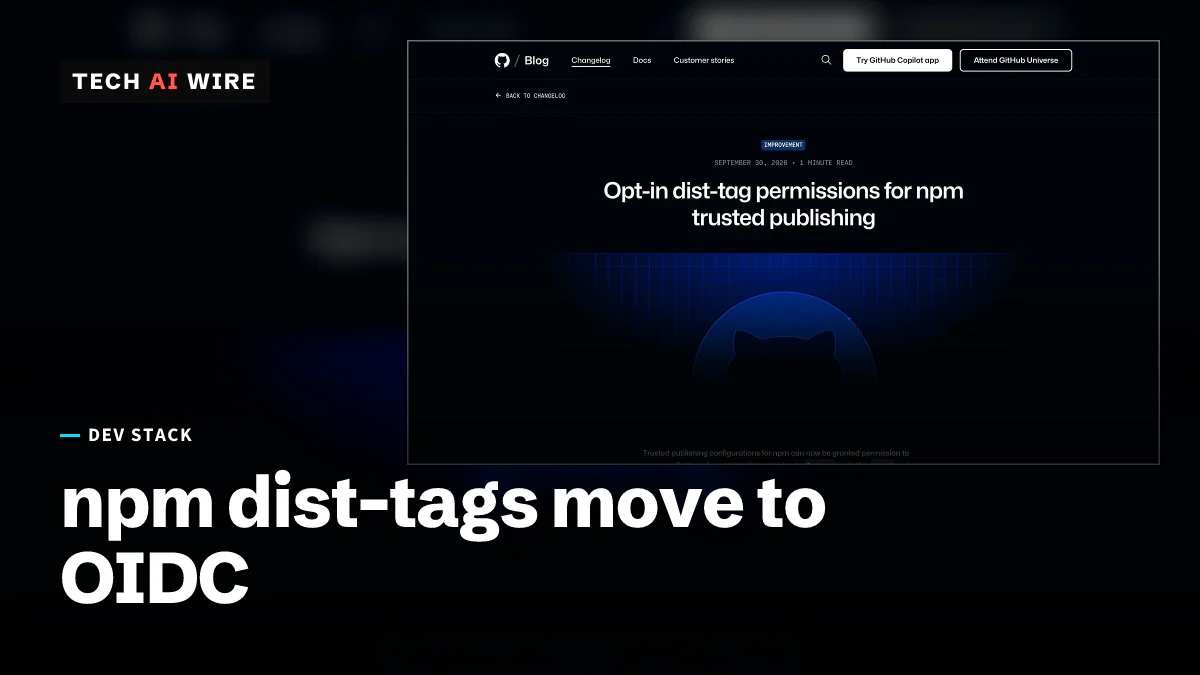
GitHub announced on September 30, 2026 that npm's trusted publishing can now manage dist-tags, the labels such as latest that decide which version of a package people install. Release pipelines can move those labels with a short-lived login token instead of a stored npm access token. That removes a common reason to keep a long-lived npm secret inside a CI system.
The permission is opt-in. It starts switched off on every configuration, old or new, so nobody gains the power to move latest without asking for it.
What trusted publishing and dist-tags are
Trusted publishing lets a CI job, such as a GitHub Actions workflow, publish to npm without a stored password or token. The job proves who it is with OIDC, short for OpenID Connect, a standard way to issue short-lived identity tokens. The npm registry checks that token against a configuration the package owner set up, then allows the action.
A dist-tag is a named pointer to one version of a package. The latest tag is the one most installs follow. Projects often add others, such as next or beta, for test releases. Until now, trusted publishing could release a package but could not move these pointers, so teams kept a long-lived token around for that step.
What the new permission allows
Each trusted publishing configuration now has a setting called "Allow npm dist-tag," according to GitHub's changelog. When it is on, the CI job can add, remove and promote dist-tags. The npm documentation lists the matching commands: npm dist-tag ls, npm dist-tag add and npm dist-tag rm.
GitHub stresses the default. "It defaults to off for both new and existing configurations, so no configuration automatically gains new capability," the changelog says.
The permission stands apart from publishing. A configuration can be allowed to stage packages and manage dist-tags without being allowed to run npm publish, the docs say. They add that configurations created after September 3, 2026 can stage packages automatically, but dist-tag access still has to be switched on by hand.
One rule matters for security. A dist-tag change is allowed "if the incoming OIDC token matches any one configuration with the permission enabled," GitHub writes. Every configuration with the box ticked is therefore one more way to move latest.
Requirements and limits
npm's documentation sets these minimums:
| Requirement | What npm's docs say |
|---|---|
| npm CLI for dist-tags over OIDC | 11.21.0 or later |
| npm CLI for trusted publishing in general | 11.5.1 or later |
| Node.js | 22.14.0 or later |
| GitHub Actions | GitHub-hosted runners only |
| GitLab CI/CD | GitLab.com shared runners only |
| CircleCI | CircleCI cloud only |
| Self-hosted runners | Not supported yet |
The docs say self-hosted runners "are planned for future releases." The sources differ on CI support. A DEV Community post by a developer named Leo also mentions Buddy and Jenkins, the latter through plugins, but npm's own docs list only the three services above.
Why dist-tags are a target
Moving a dist-tag is as powerful as publishing. Leo's post calls dist-tag control a serious supply-chain risk, because an attacker who can rewrite latest can point every new install at a bad version. Malicious releases are a real pattern: in August, poisoned versions of the Rust crate arrayref ran a remote payload during builds.
Leo also warns about a human failure. Teams that hit a blocked release may tick the box on every configuration to make the problem go away. The post recommends one dedicated release configuration with strict matching instead: a specific workflow file, a protected environment and a manual approval step.
What this means for developers
Upgrade the npm CLI in your release job first. Dist-tag changes over OIDC need npm 11.21.0 or later and Node.js 22.14.0 or later. An older CLI in a pinned CI image will fail even with the setting on.
Turn the permission on in one place only. Because any single matching configuration can move latest, enable it on your release configuration and leave staging and test configurations off. Review the list after each change.
Pin the configuration tightly. Tie it to the exact workflow file that cuts releases, and require a protected environment with an approval step. That way a pull request workflow, or a compromised side job, cannot move your tags.
Delete the old token once the switch works. The point of this change is to stop storing long-lived npm secrets in CI. After a release succeeds over OIDC, remove the leftover token from your CI secrets and revoke it on npm.
Keep a token only where you must. If you build on self-hosted runners, trusted publishing does not cover you yet. Limit that token to the packages it needs, and rotate it on a schedule until npm adds self-hosted support.
Check your tags after every release. Run npm dist-tag ls on your package and confirm that latest points where you expect. It is a two-second check that catches both mistakes and attacks.
Sources
- Opt-in dist-tag permissions for npm trusted publishing - GitHub Changelog
- Trusted publishing for npm packages - npm Docs
- npm trusted publishing finally covers dist-tags, if you ask nicely - DEV Community
Related articles
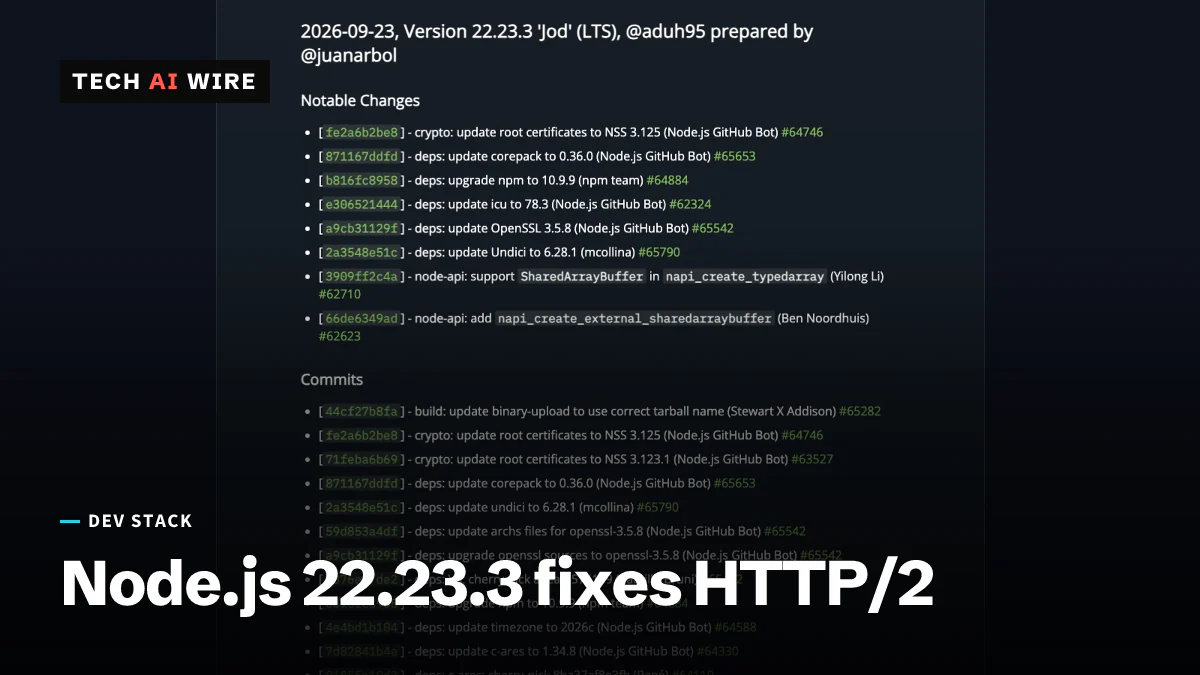
Node.js 22.23.3 LTS fixes an HTTP/2 use-after-free bug
Node.js 22.23.3 LTS, out September 23, fixes an HTTP/2 use-after-free bug, adds SharedArrayBuffer support to Node-API and moves to OpenSSL 3.5.8.
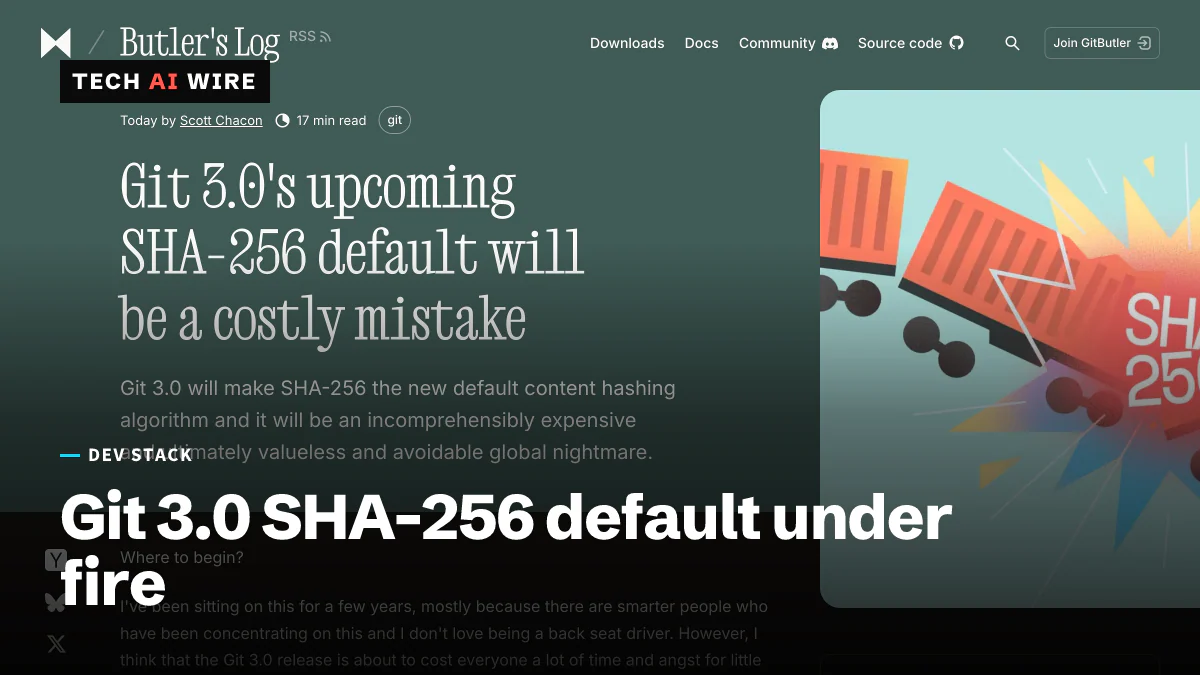
Git 3.0's SHA-256 default is a costly mistake, says Chacon
Scott Chacon says Git 3.0's SHA-256 default fixes a problem no repository has hit and breaks 40-character hashes everywhere. Git says no date is set.
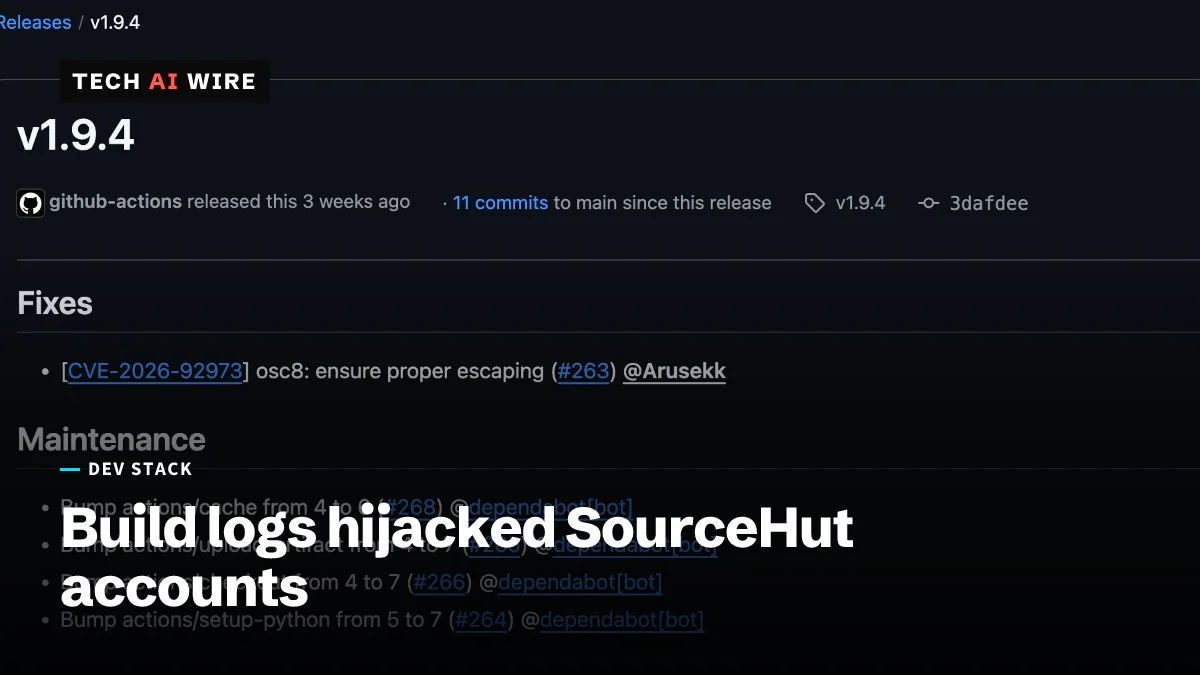
SourceHut build log XSS let attackers take over accounts
A crafted build log could run script in a SourceHut user's browser. ansi2html 1.9.4 fixes the bug, CVE-2026-92973, which hit versions 1.7.0 to 1.9.3.
The daily brief
Three to five stories a day, and what each one means for the people who build software. Free, no spam.