GDB 18.1 adds Windows non-stop debugging, drops stabs
GDB 18.1, out September 25, brings non-stop debugging to Windows 10+, new save and environment commands, and drops the old stabs debug format.
4 min read
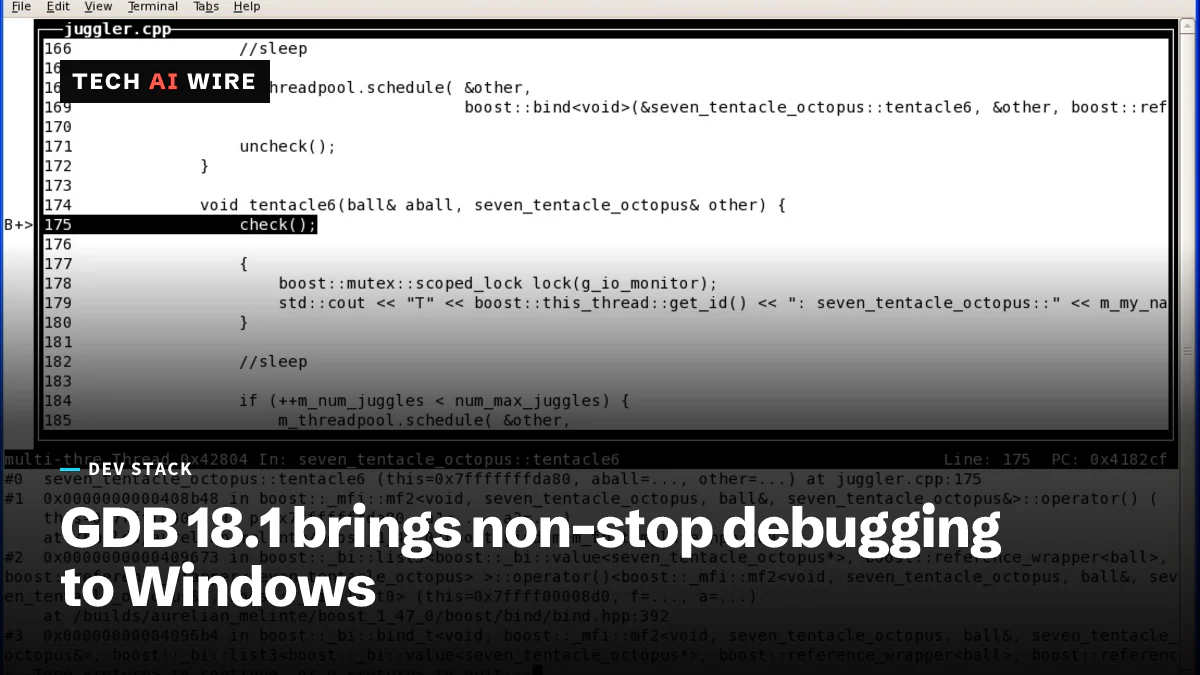
The GNU Project released version 18.1 of GDB, its command-line debugger, on September 25, 2026. The biggest changes land on Windows, which gains non-stop debugging on Windows 10 and later. The release also removes support for several old debug formats, so some legacy builds will stop loading cleanly.
GDB lets a developer pause a running program, step through it line by line, and inspect its variables. It works with Ada, C, C++, Fortran, Go, Rust and many other languages. The changes below come from the official release announcement on the gdb-announce mailing list, with extra detail from LWN's report.
What changes for Windows developers
Windows gets the largest set of fixes in GDB 18.1, according to the announcement. The native Windows target, meaning GDB debugging a program on the same Windows machine, now supports non-stop mode on Windows 10 and newer.
Non-stop mode lets one thread stop at a breakpoint while the program's other threads keep running. That matters for servers and GUI apps, where freezing every thread at once can hide the bug being chased. Windows also gains scheduler-locking, which controls whether other threads may run while you step through one.
GDB on Windows can now read thread-local storage variables as well. These are variables that hold a separate value for each thread. The announcement also lists 24-bit true color in Windows Terminal, with UTF-8 text and emoji. File paths now print with forward slashes consistently.
New commands in GDB 18.1
The release adds several commands, listed in both the announcement and LWN's summary:
| Command | What it does |
|---|---|
set/show/unset local-environment | Manage the environment of the program being debugged |
save history | Write the command history to a file |
save skip | Save the list of functions and files GDB skips when stepping |
save user | Save user-defined commands |
set/show progress-bars enabled | Turn progress bars on or off |
info proc environ | Show a Linux process's environment variables |
A new --no-escape-args option passes program arguments without escaping them. Arguments that contain newline characters now work when quoted. For extended-remote targets, where GDB drives a program on another machine, GDB now sets the remote executable file automatically.
LWN also notes that info locals now marks variables that shadow another variable of the same name. It shows where each variable is stored too.
Python API and new targets
GDB can be scripted in Python, and 18.1 extends that interface. The announcement lists a new gdb.Corefile class for working with core dumps, the memory snapshots a crashed program leaves behind. It also adds a gdb.Style class and two new event registries, selected_context and corefile_changed. Disassembly output from Python can now carry styling.
Two new targets arrive. GNU/Linux on MicroBlaze, a small processor design used in FPGA chips, is supported through gdbserver. AArch64 MinGW, meaning Windows on 64-bit Arm built with the MinGW toolchain, is supported too. LWN adds that AArch64 gains support for its floating-point mode register, called FPMR.
What GDB 18.1 removes
GDB 18.1 drops a list of older formats and platforms, according to the announcement:
- The stabs, mdebug and dbx debug formats
- The Common Trace Format
- Older versions of the
.gdb_indexsection, an index that speeds up symbol loading - Version 1 of DWP, the package format for split debug files
- AIX 7.1
- The 32-bit s390 target
On the positive side, .gdb_index sections now include type symbols, which helps GDB find types faster. Source code is available from the GNU FTP server as a 22 MiB .tar.xz file or a 37 MiB .tar.gz file.
What this means for developers
Check your build flags before you upgrade. Stabs is a debug format from before DWARF, the standard most compilers now emit. Most modern toolchains stopped using stabs long ago. But an old embedded toolchain or a legacy build script may still pass -gstabs. If so, GDB 18.1 will no longer read that debug information, and you should switch to DWARF first.
The same goes for split debug setups. If your team still keeps .dwp files in the old version 1 format, rebuild them before moving to 18.1. Also regenerate any .gdb_index sections made by an old GDB. The newer index format also lists types, so the rebuild is worth doing anyway.
Windows developers who gave up on GDB for multithreaded code should try it again. Non-stop mode plus scheduler-locking means you can stop one worker thread without freezing the rest of the program.
If you keep a .gdbinit file full of custom commands, try save user to back them up. Then use save history so a long debugging session is not lost when GDB exits. Teams that build tooling on GDB's Python API should look at gdb.Corefile for scripts that sort through crash dumps.
Until your Linux distribution packages 18.1, you can build it from the source tarball on the GNU FTP server.
Sources
- GDB 18.1 released! - Sourceware gdb-announce
- GDB 18.1 released - LWN.net
Related articles
SourceHut build log XSS let attackers take over accounts
A crafted build log could run script in a SourceHut user's browser. ansi2html 1.9.4 fixes the bug, CVE-2026-92973, which hit versions 1.7.0 to 1.9.3.
Wine 11.18 adds kernel-driver support, Staging fixes WoW64
Wine 11.18 landed on September 18 with 380 commits and 21 bug fixes. Wine-Staging carries 273 extra patches, two of them for WoW64 services.
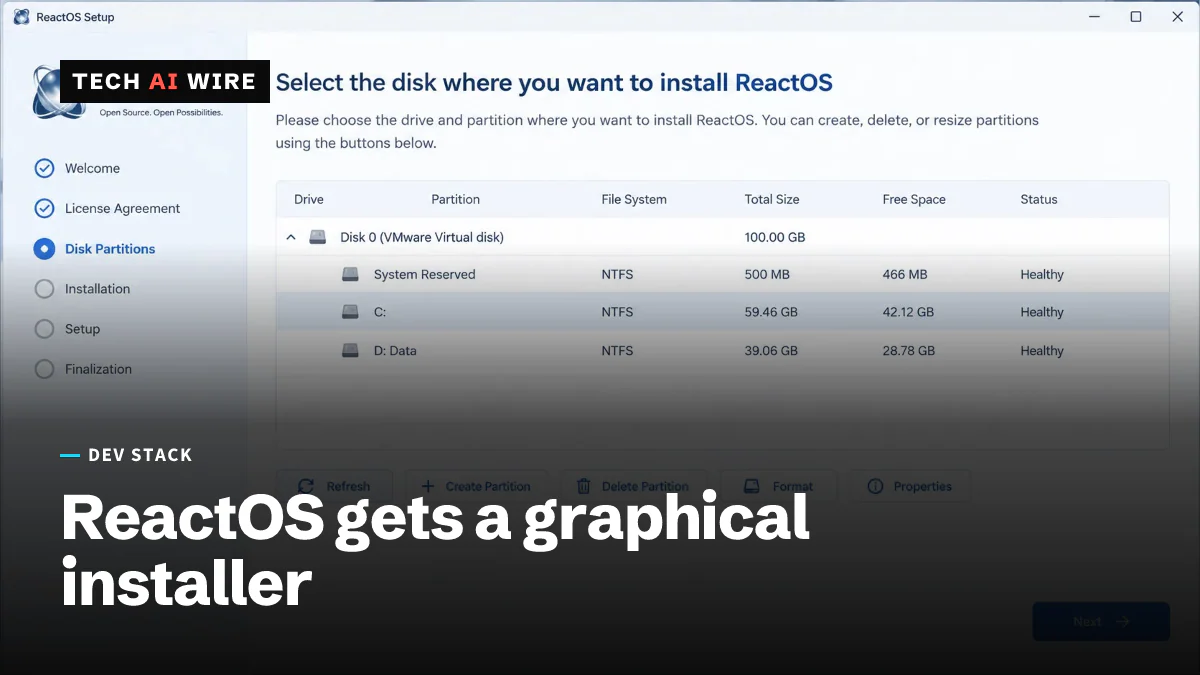
ReactOS 0.4.16 ships a graphical installer and a Wine 10 sync
ReactOS 0.4.16 arrived on August 29, 2026 after about 18 months and 2,808 commits. It adds a graphical installer, a new ATA driver, and a Wine 10 sync.
The daily brief
Three to five stories a day, and what each one means for the people who build software. Free, no spam.